The 3 Pillars of the CIA Triad… Plus Two
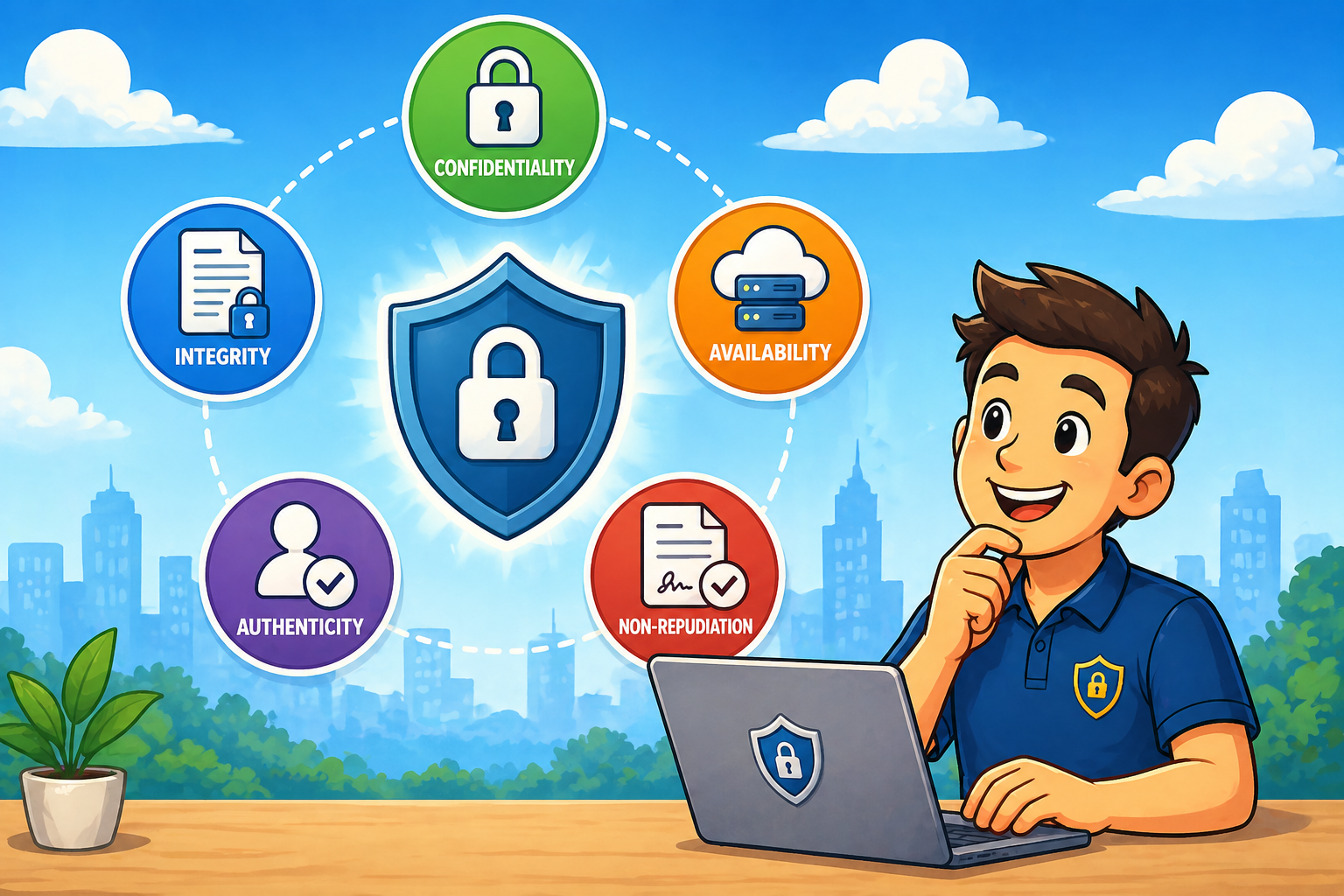
When people first start working with wi-fi security, or enter the cybersecurity arena, they quickly hear about something called the "CIA Triad". (No, not that CIA!) In cybersecurity, the CIA Triad stands for:
Confidentiality, Integrity, and Availability.
These three principles form the foundation of information security. Nearly every security control, policy, and technology decision can be traced back to protecting one (or more) of these pillars.
But in real-world IT environments, there are two additional principles that deserve seats at the table:
Authenticity and Non-Repudiation.
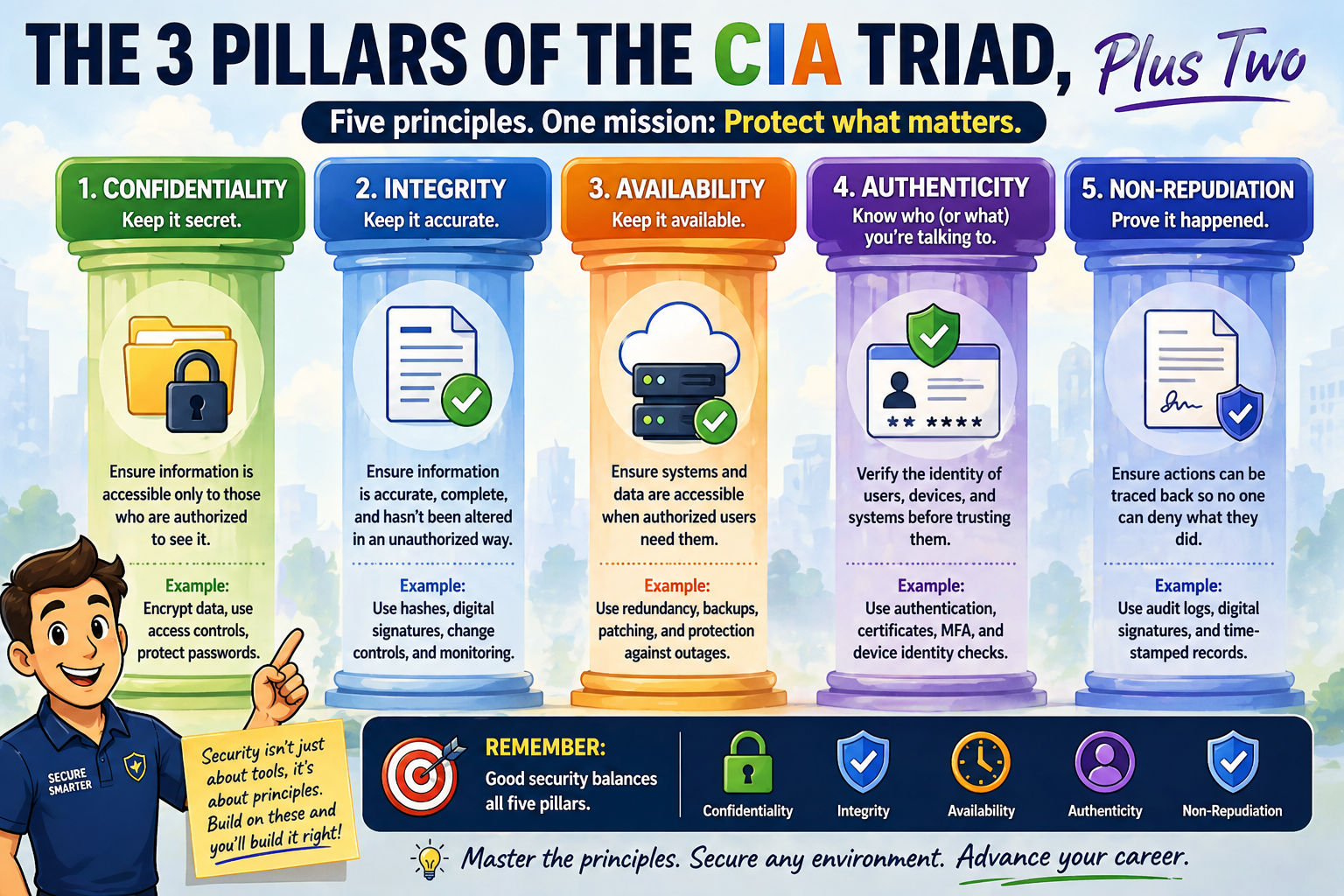
Together, these five ideas provide a practical framework for understanding what security is actually trying to achieve. Let’s walk through them...
Pillar 1 - Confidentiality: Keeping Secrets, Secret
Confidentiality means making sure information is only accessible to people who are allowed to see it. That sounds obvious. But in practice, it’s surprisingly easy to get wrong.
Examples of confidentiality in action include:
- encrypting wireless traffic
- protecting passwords
- restricting access to HR records
- using VPNs on public Wi-Fi
- preventing unauthorized database access
Think of confidentiality as controlling who gets to look inside the envelope. Without confidentiality, sensitive data becomes visible to the wrong people: attackers, competitors, vendors, or sometimes just the wrong department down the hallway.
And yes, sometimes the biggest confidentiality risks come from internal mistakes rather than external attackers.

Pillar 2 - Integrity: Making Sure Data Stays Correct
Integrity means ensuring information hasn’t been altered in an unauthorized way. It answers a simple but critical question: Can I trust this data?
If someone changes a financial spreadsheet, modifies configuration files, or alters access permissions without authorization, integrity has been compromised.
Examples include:
- file hashing
- digital signatures
- change control processes
- configuration monitoring
- version tracking
Imagine downloading software updates. Confidentiality protects the download. Integrity ensures the file hasn’t been modified by someone along the way. Both matter, but integrity is what tells you the update is still what it claims to be.

Pillar 3 - Availability: Making Sure Systems Work When Needed
Availability ensures systems and data are accessible when users need them. This pillar often gets less attention from beginners because it doesn’t always feel like “security.” But in many organizations, availability is security:
- If a hospital cannot access patient records, availability becomes critical.
- If a factory cannot access control systems, availability becomes urgent.
- If a company cannot access email, availability becomes very noticeable very quickly.
Availability protections include:
- redundancy
- backups
- load balancing
- patch management
- protection against denial-of-service attacks
Security isn’t just about stopping attackers. It’s about keeping systems usable
while
stopping attackers. A perfectly secure system that nobody can access isn’t very helpful.

Pillar 4 - Authenticity: Knowing Who (or What) You’re Talking To
Authenticity means verifying identity. When a system claims to be a server, authenticity confirms that it really is that server. When someone logs in, authenticity confirms they really are that person.
This principle supports:
- user authentication
- certificate validation
- device identity verification
- secure wireless access
- multi-factor authentication
Authenticity answers the question: Is this actually who they say they are?
Without authenticity, attackers can impersonate users, systems, or services... sometimes without being noticed immediately. And computers are very polite. If something introduces itself confidently enough, they tend to believe it unless configured otherwise.
Pillar 5 - Non-Repudiation: Preventing “That Wasn’t Me!”
Non-repudiation ensures that someone cannot later deny performing an action. It’s the cybersecurity equivalent of a signed delivery receipt. If a user sends a message, approves a transaction, or changes a configuration setting, non-repudiation helps prove they really did it.
Examples include:
- digital signatures
- audit logs
- transaction records
- certificate-based authentication
- secure time-stamped logging
Non-repudiation becomes especially important in environments involving:
- financial systems
- legal documentation
- administrative changes
- compliance requirements
Because sooner or later, someone will say, “I didn’t do that.” Non-repudiation helps answer that question calmly and confidently.
Why These Five Principles Matter to New IT Engineers
Early in your career, security tools can feel like a huge, long list of technologies:
- firewalls
- encryption
- authentication systems
- endpoint protection
- monitoring platforms
It’s easy to think that security is all about learning products, but security is really about understanding what you are protecting and why.
These five pillars give you a simple mental checklist:
- Who should see this data? (Confidentiality)
- Can I trust this data? (Integrity)
- Can users access it when needed? (Availability)
- Do I know who is connecting? (Authenticity)
- Can actions be traced if necessary? (Non-repudiation)
If you keep those questions in mind while designing, configuring, or troubleshooting systems, you’re already thinking like a security professional. And that’s a strong foundation for everything that comes next!
===
===
Learn More
If you want to learn more about our wireless training and wireless networks, visit our training portfolio page here
===
#WiFi #WirelessNetworks #Cybersecurity
===
About NC-Expert
NC-Expert is a privately-held California corporation and is well established within the Wireless, Security, and CyberSecurity industry certification training, courseware development, and consulting markets.
NC-Expert has won numerous private contracts with Fortune level companies around the world. These customers have depended on NC-Expert to train, advise, and mentor their staff.
So remember, if you are looking for the best IT training just call us at (855) 941-2121 or contact us
NC-Expert Blog