Enterprise Wi-Fi Network Security
Wi‑Fi security is no longer just an IT checkbox; it is a business risk issue that affects data protection, uptime, customer trust, and compliance. Strong wireless security helps businesses keep unauthorized users out, protect sensitive traffic, and reduce the chance that a single compromised access point (AP) becomes a wider network breach.

Why Wi-Fi Security Matters
A business wireless network often carries email, file access, cloud applications, point-of-sale traffic, and employee logins, so weak protection can expose far more than internet browsing. Without security, APs could be accessed by anyone, which makes wireless networks a direct target for attackers.
The business impact can be severe. According to Cisco's 2026 wireless report, 85% of organizations surveyed experienced at least one wireless security incident in the last 12 months, and 58% reported financial losses from wireless security incidents. This makes Wi‑Fi security both a technical control and a financial safeguard.
Common Risks
Unsecured or poorly configured Wi‑Fi can lead to a number of negative events, potentially including activities such as unauthorized access, malware delivery, and data theft. An unsecured network can expose the enterprise to a major risk of incursion. In practical terms, this could mean a guest device wandering into internal systems, a stolen password being reused, or an attacker intercepting traffic.
Small businesses are especially vulnerable because they often rely on a few APs, simple passwords, and limited monitoring. Even one weak configuration can create a route into their business systems, especially when guest and employee traffic are not separated. Guidance from the U.S. Department of Defense emphasizes segmentation and avoiding weak configurations. They also recommend even simple security measures, such as hiding the SSID.

Core Protections
The most important step to protecting your environment is by using current encryption and authentication standards. WPA3 is the most recent Wi‑Fi security standard and is designed to improve protection over older methods. The Wi‑Fi Alliance's WPA3 specification includes enterprise modes, and notes that WPA3-Enterprise 192-bit mode is suited for sensitive environments such as government, defense, and industrial deployments. For businesses, WPA2-Enterprise or WPA3-Enterprise with 802.1X is a strong baseline.
Network segmentation is also advisable. Separating guest Wi‑Fi, employee devices, and sensitive internal systems limits damage in case one segment is compromised. CISA-related guidance and enterprise security sources recommend segmenting networks and pairing access with continuous verification, not just a one-time password check.
Another security measure is to keep infrastructure updated. Router and AP firmware updates often patch security holes, and vendors consistently recommend regular updates and monitoring connected devices. Practical hardening steps include: firmware updates; using strong passwords; disabling WPS; and regularly reviewing connected devices.

How Businesses Can Strengthen Their IT Environment
A strong Wi‑Fi security program should include a number of operational habits:
• Use WPA3 or WPA2-Enterprise, not outdated WPA or open networks.
• Change default admin credentials and use unique, strong passwords.
• Disable remote management unless there is a specific business need.
• Create separate guest, employee, and device-specific networks.
• Update firmware and security patches on a fixed schedule.
• Monitor for unknown devices, rogue APs, and unusual activity.
It also helps to treat Wi‑Fi as part of a broader security strategy. This means using firewalls, endpoint protection, VPNs for remote work, and access controls that limit what each user or device can reach. Additionally, using encryption, firewalls, and private access controls are practical ways to reduce exposure.

Business Value
Secure Wi‑Fi is not just about stopping attacks, it also improves reliability, supports remote work, and protects customer experience. For retail, healthcare, finance, and office environments, secure wireless access helps employees stay productive while reducing the chances of downtime or a reportable incident. Wi‑Fi security is often framed as a combination of encryption, authentication, segmentation, and monitoring rather than a single product feature.
Wi‑Fi security protects the enterprise network that the business relies on to function, along with the information that moves across it. Businesses that invest in wireless security measures are better positioned to support more devices, scale safely, and reduce costly surprises.
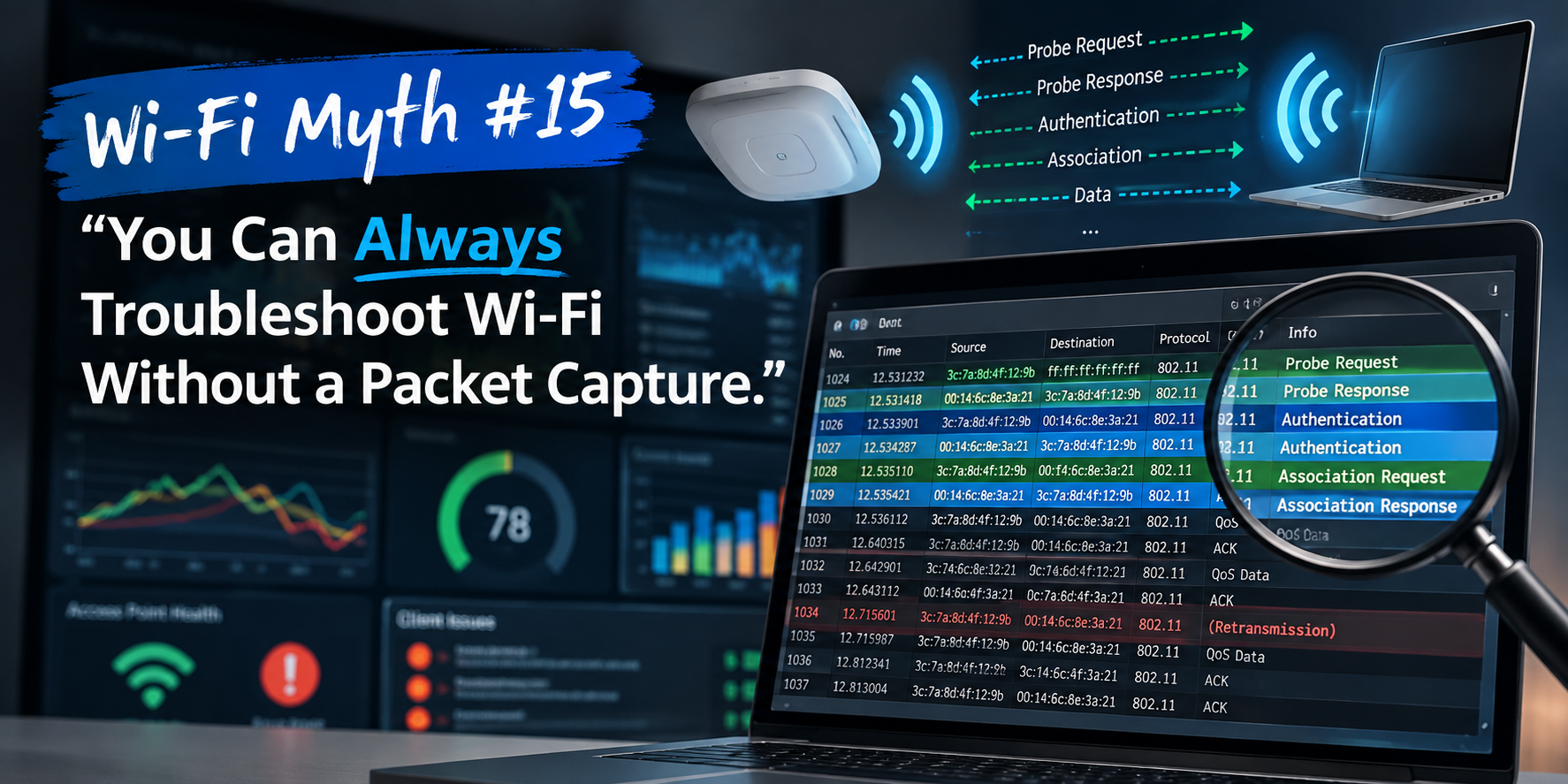
Features like MLO and 320 MHz channels demand a solid understanding of RF behavior, spectrum planning, and protocol interactions. Troubleshooting increasingly requires packet analysis and performance modeling, not guesswork.
===
===
Learn More
If you want to learn more about our wireless training and wireless networks, visit our training portfolio page here
===
#WiFi #WirelessNetworks #Cybersecurity
===
About NC-Expert
NC-Expert is a privately-held California corporation and is well established within the Wireless, Security, and CyberSecurity industry certification training, courseware development, and consulting markets.
NC-Expert has won numerous private contracts with Fortune level companies around the world. These customers have depended on NC-Expert to train, advise, and mentor their staff.
So remember, if you are looking for the best IT training just call us at (855) 941-2121 or contact us
NC-Expert Blog