Wi-Fi Myth Series - Myth #17: Wi-Fi Security Ends with WPA3
Protecting the wireless connection is only part of protecting the network.
WPA3 was a welcome advancement in wireless security. Stronger authentication, improved protection against password guessing, and more robust cryptographic mechanisms gave Wi-Fi engineers plenty of reasons to celebrate. And rightly so.
But, somewhere along the way, an interesting assumption crept into the conversation: if a network uses WPA3, it must be secure. Well… not quite.
WPA3 is an important security mechanism, but it isn't a complete security strategy. It protects specific aspects of wireless communication, but not every device, user, configuration, or operational decision involved in running a wireless network.
And, as experienced Wi-Fi engineers know, trouble rarely confines itself to one convenient layer of the network.
Encryption Protects Traffic, Not Everything Behind It
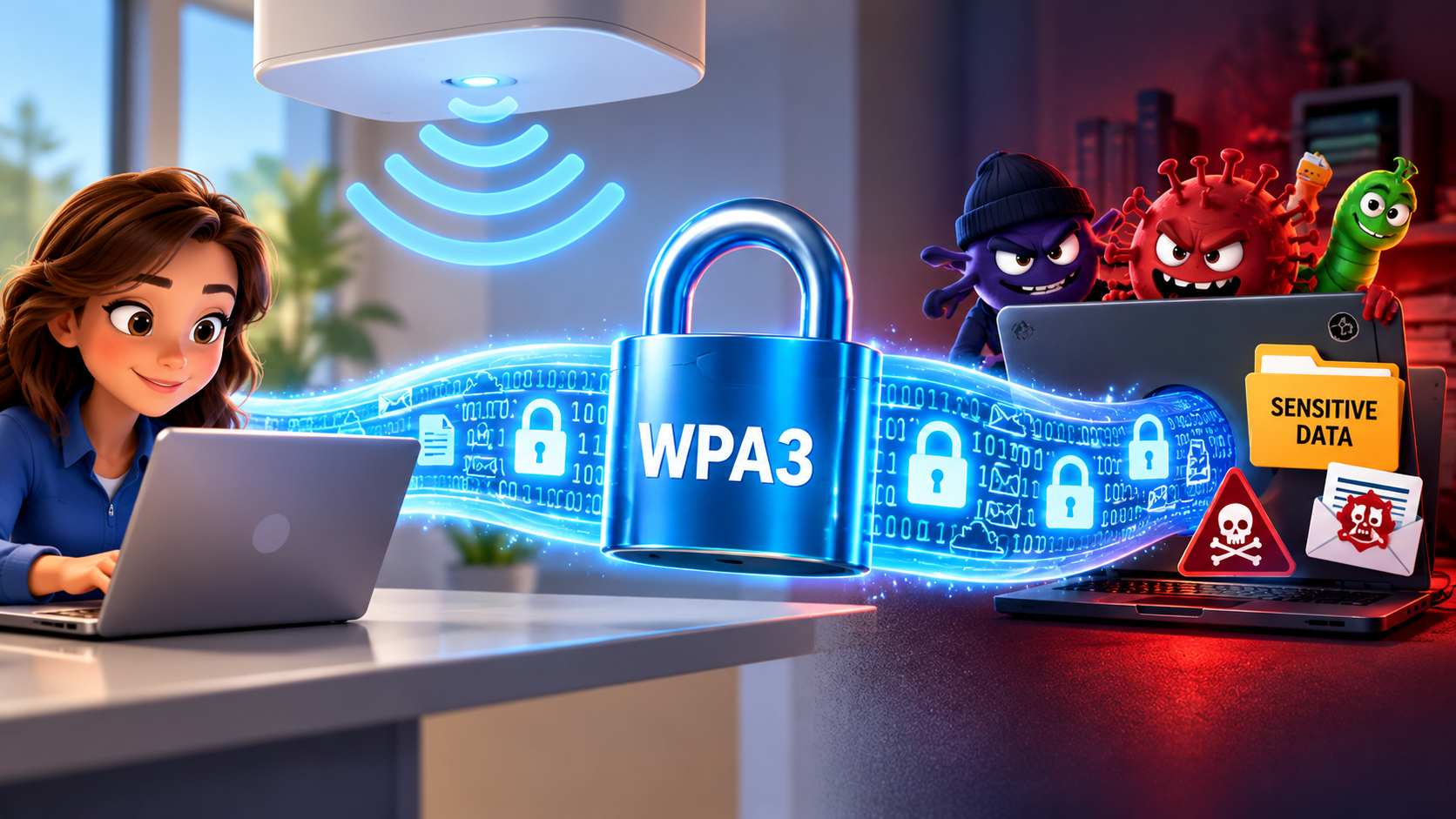
WPA3 provides stronger protections for wireless communications, including improved key establishment and encryption mechanisms. But encryption doesn't determine whether a device is trustworthy, whether a user should access sensitive resources, or whether an endpoint has already been compromised.
Imagine a perfectly encrypted wireless connection carrying traffic from an infected laptop. The encryption is working beautifully. Unfortunately, so is the malware.
WPA3 can protect communications over the wireless link, but it cannot guarantee that the information being transmitted is safe, or that the connected device is behaving appropriately.
Security needs to extend beyond the radio.

Authentication: Who Are You, Really?
Not all WPA3 deployments provide the same level of identity assurance.
WPA3-Personal uses Simultaneous Authentication of Equals (SAE), which improves resistance to offline dictionary attacks compared with traditional WPA2-Personal authentication. However, everyone sharing the same network password still possesses a common credential.
WPA3-Enterprise, using 802.1X authentication, offers stronger opportunities for individual identity verification through enterprise authentication infrastructure.
Certificate-based authentication, particularly EAP-TLS, can provide valuable protection against credential theft and impersonation. Of course, the authentication infrastructure must be configured correctly.
A beautifully designed certificate-based deployment loses much of its value if clients aren't properly validating the authentication server. The details matter. They usually do.

Segmentation: Just Because You're Connected…
One of the most dangerous assumptions in wireless networking is that successfully connecting to the WLAN should automatically grant broad network access.
Consider a corporate environment containing employee laptops, guest devices, printers, IoT sensors, and building-management systems. Should all those devices communicate freely? Probably not.
Network segmentation using VLANs, access-control policies, dynamic role assignments, and firewalls helps restrict communications according to business requirements.
For example, a compromised smart thermostat shouldn't have an unrestricted route to the finance department's servers... even if it does have excellent signal strength!
Segmentation limits the potential impact of compromised devices and reduces opportunities for lateral movement.
Configuration: The Security Feature You Forgot to Enable
Security technologies are only as effective as their implementation.
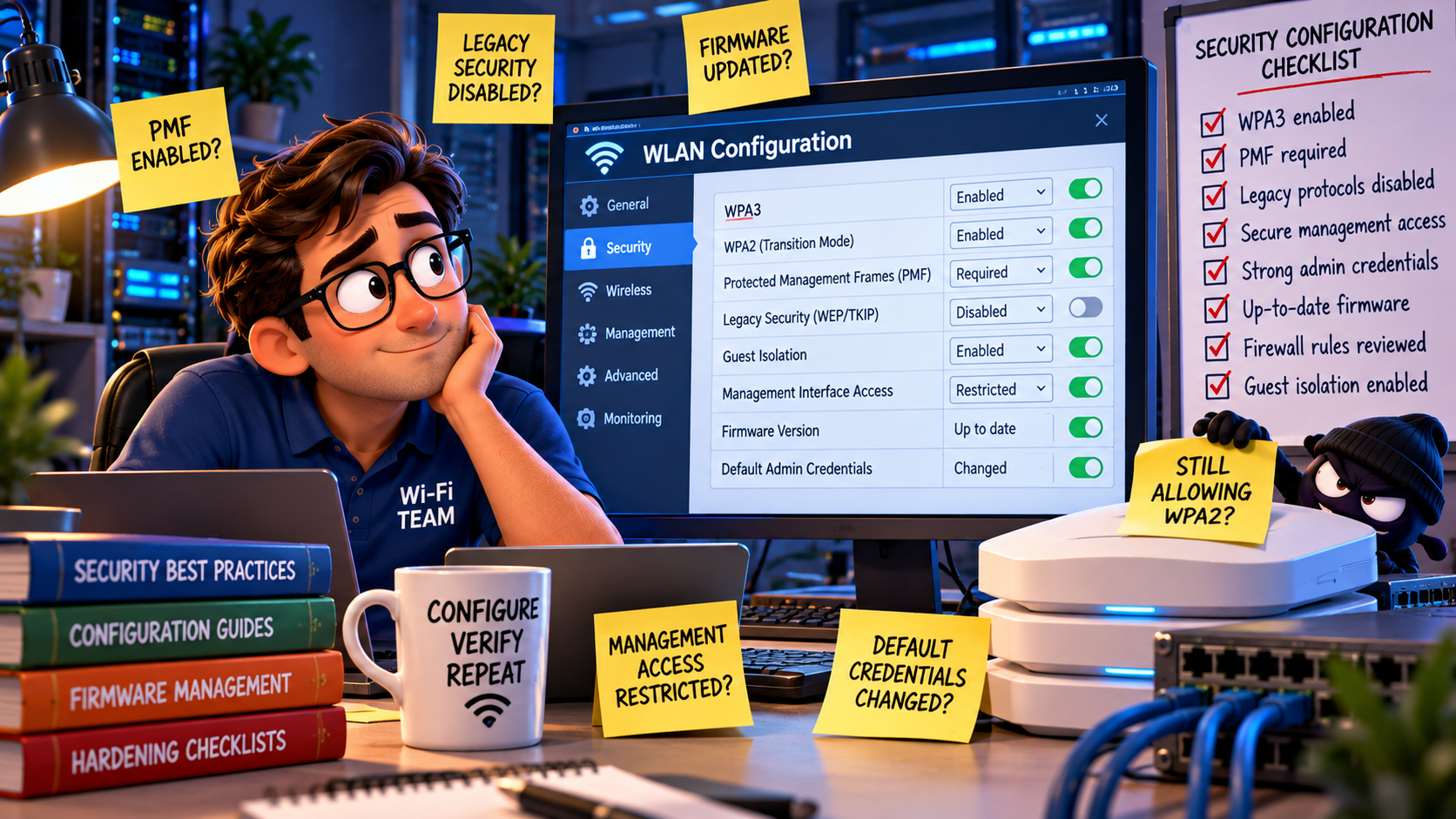
A network may advertise WPA3 support, while still permitting legacy security options through transition modes. These compatibility decisions can introduce opportunities for downgrade attacks or weaker connections, depending on the configuration and client behavior.
Protected Management Frames (PMF) are another important consideration. WPA3 requires PMF for WPA3 connections, but mixed deployments deserve careful examination.
Then there are outdated firmware versions, unnecessary management interfaces, permissive firewall rules, and default administrative credentials. None of these problems disappear because the WLAN uses WPA3.
Security configuration isn't a one-time achievement. It's an ongoing responsibility.
Monitoring: Secure Yesterday Doesn't Mean Secure Today
As we all know: wireless environments constantly change:
- New devices appear
- Firmware gets updated
- Employees leave
- APs are relocated
- Someone installs an unauthorized wireless router because the conference room signal wasn't quite good enough
...and, suddenly, the environment isn't what you thought it was.
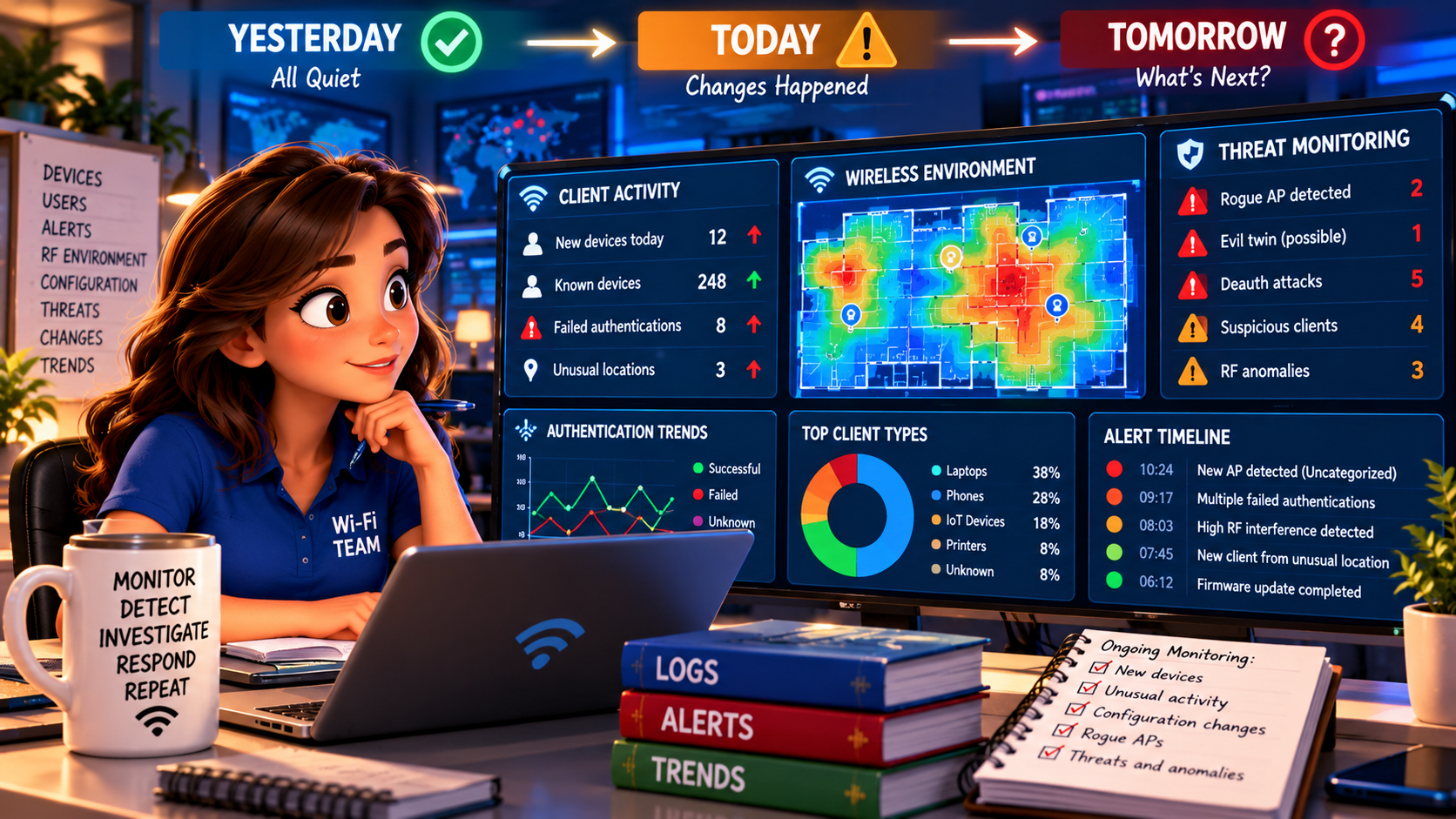
Continuous monitoring helps identify unusual authentication activity, unexpected devices, configuration changes, and suspicious wireless behavior.
Wireless intrusion detection (WIDS) and prevention (WIPS) capabilities can provide additional visibility, although alerts still require interpretation. Not every unfamiliar SSID represents an attack but, sometimes, it could simply be the coffee shop next door!
The challenge is distinguishing genuine threats from ordinary RF activity.

Rogue Devices and the Uninvited Guests
Rogue APs, unauthorized clients, and evil-twin networks remain relevant concerns, regardless of WPA3 adoption.
An attacker may attempt to impersonate a legitimate network, exploit poorly configured client authentication, or persuade users to connect to an entirely different wireless environment.
WPA3 doesn't automatically prevent someone from creating a convincing-looking SSID.
Identifying unauthorized infrastructure requires appropriate monitoring, investigation, and enforcement procedures and remember: a neighboring AP isn't necessarily a rogue AP and, before anyone starts pressing containment buttons, remember: classification matters.
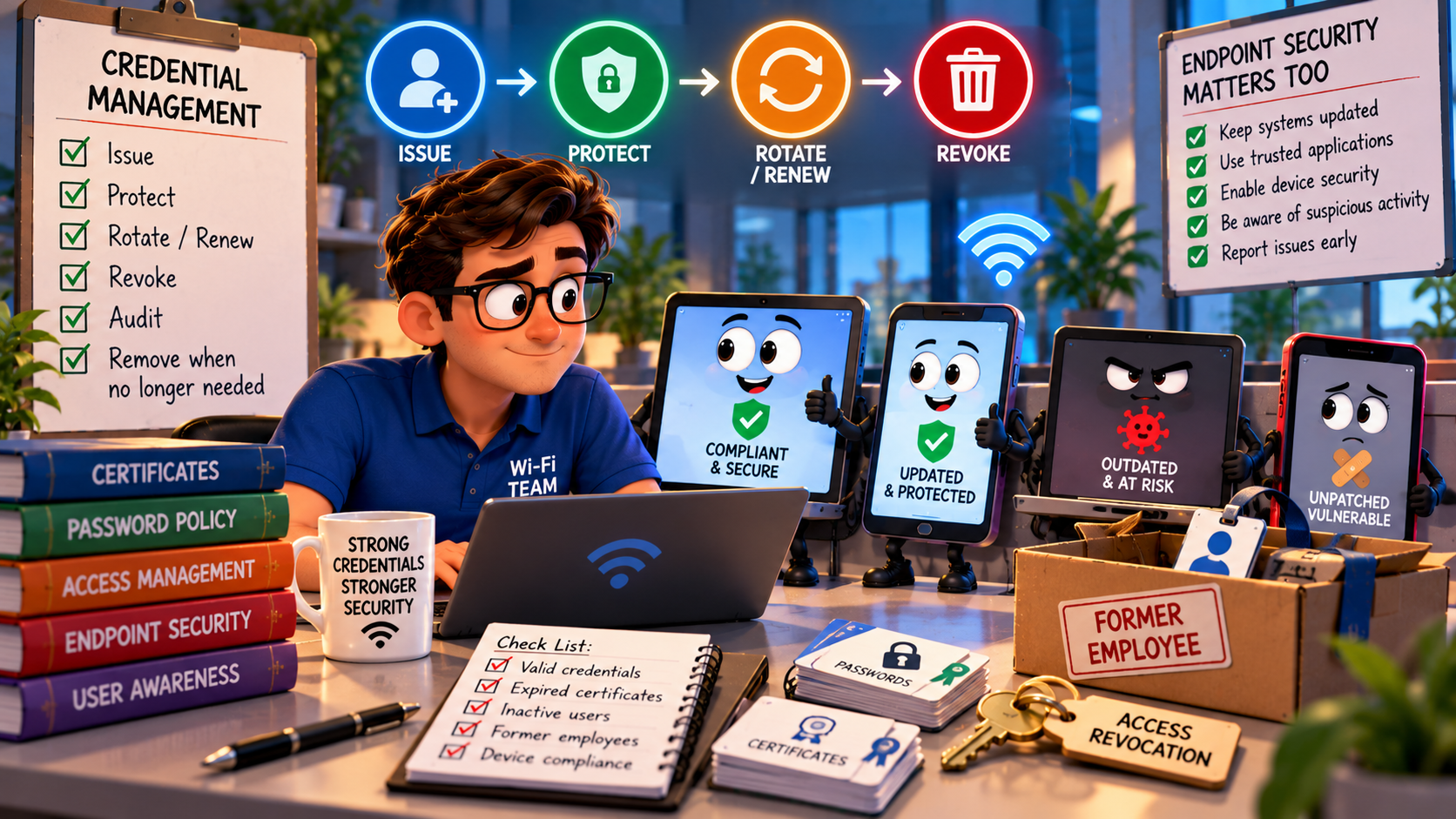
Credential Management and Client Security
Passwords, certificates, private keys, and authentication credentials all have lifecycles. They must be issued, protected, rotated or renewed when appropriate, and revoked when no longer authorized. A departed employee retaining valid wireless credentials represents a security problem that encryption alone cannot solve.
Endpoint security equally matters. Unpatched operating systems, compromised devices, malicious applications, and careless user behavior can undermine an otherwise well-protected WLAN. A secure wireless connection to an insecure endpoint is still a security concern. WPA3 cannot patch a laptop... unfortunately.
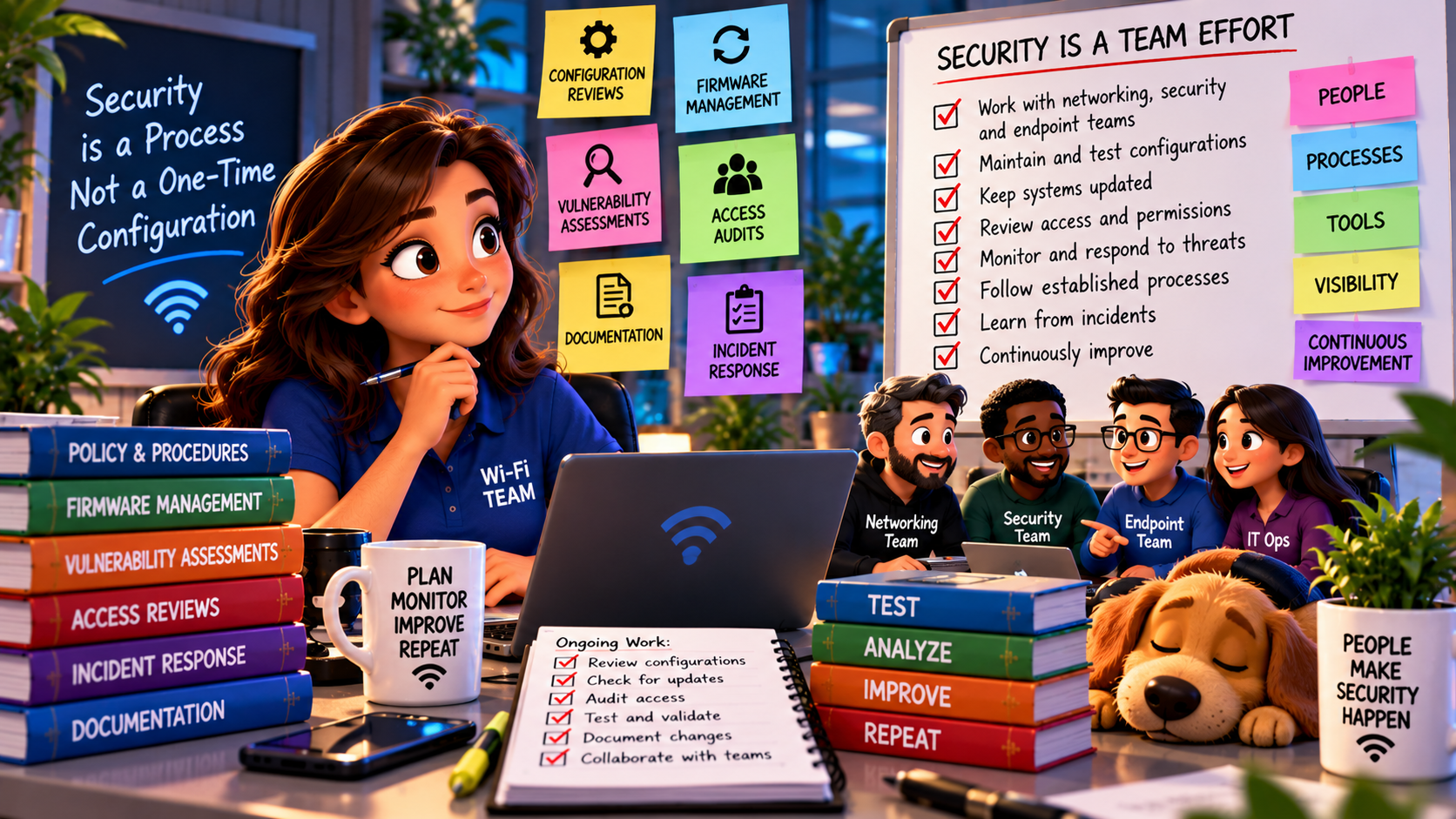
Operational Security: The Human Part of the Equation
Effective wireless security depends on consistent operational practices:
- configuration reviews,
- firmware management,
- vulnerability assessments,
- access audits,
- incident-response procedures, and
- documentation
...all contribute to a resilient environment.
Engineers also need visibility across networking, security, and endpoint-management teams. A wireless controller may report excellent security settings while the broader infrastructure contains vulnerabilities outside its visibility.
Security isn't simply something we configure. It's something we maintain, test, question, and continuously improve.
Busting the Myth
Myth: Wi-Fi Security Ends with WPA3
WPA3 is an important advancement in wireless security, but it isn't a magic shield surrounding the entire network. It strengthens protection for wireless communications, while authentication, segmentation, configuration, monitoring, credential management, endpoint protection, and operational discipline address risks beyond encryption.
For certified Wi-Fi engineers, the challenge isn't merely deploying the strongest available wireless security protocol, it's understanding how wireless security fits into the organization's broader security architecture... because a secure Wi-Fi connection doesn't automatically mean a secure network.
And that little distinction can make an enormous difference.
Myth = Busted!
***Helpful note:
if you want to see the images in better perspective, right-click on the picture, and select
Open Image in New Tab***
===
===
Learn More
If you want to learn more about our instructor-led IT training options, visit our training portfolio page here
===
#ITCareers #Certification #Networking #NetworkDesign #CareerDevelopment #ProfessionalDevelopment
===
About NC-Expert
NC-Expert is a privately-held California corporation and is well established within the Wireless, Network Design, Security, and CyberSecurity industry certification training, courseware development, and consulting markets.
NC-Expert has won numerous private contracts with Fortune level companies around the world. These customers have depended on NC-Expert to train, advise, and mentor their staff.
So remember, if you are looking for the best IT training just call us at (855) 941-2121 or contact us
NC-Expert Blog