Wi-Fi Myth Series - Myth #16: The Controller Knows Best
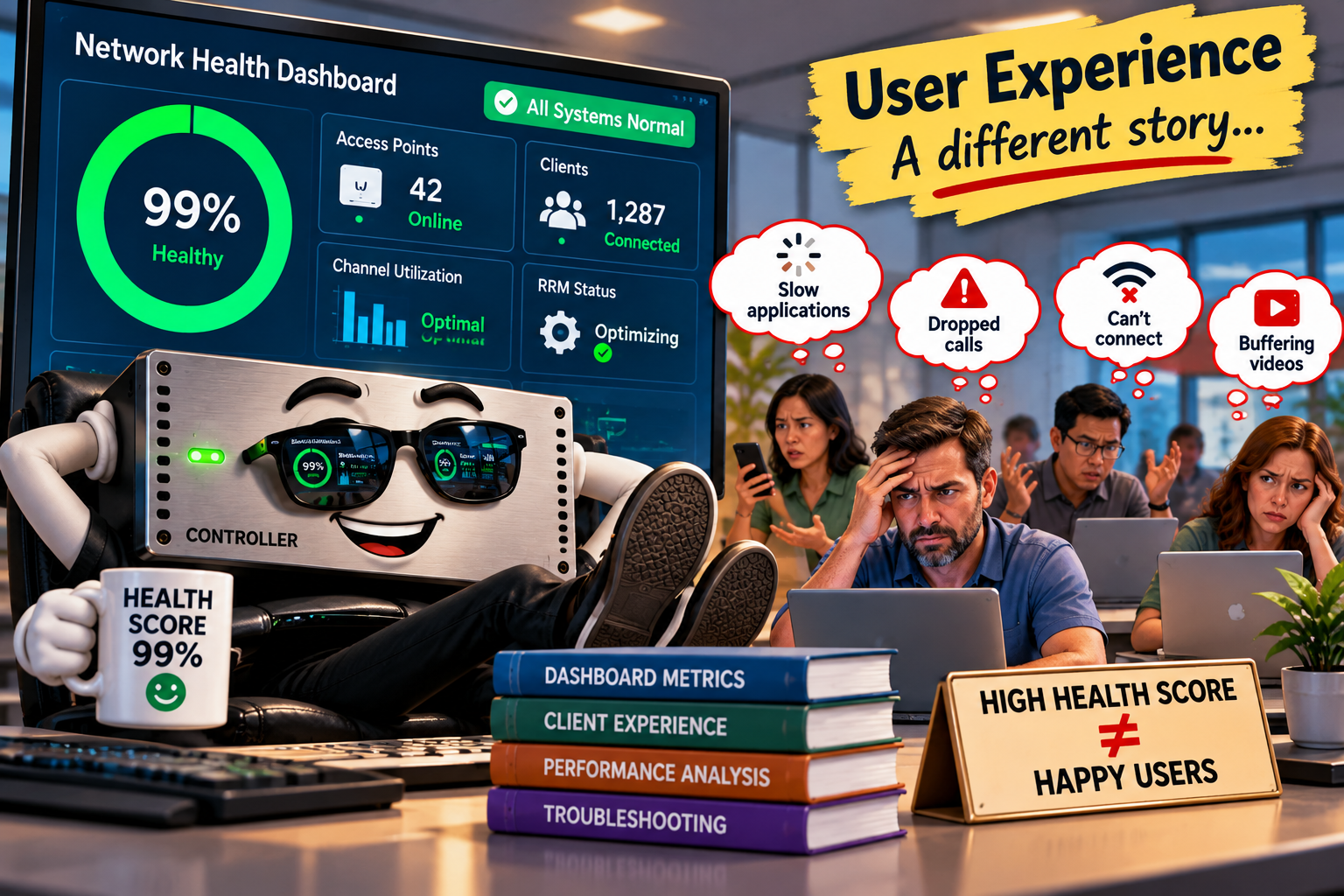
A beautiful dashboard doesn't necessarily mean a beautiful network.
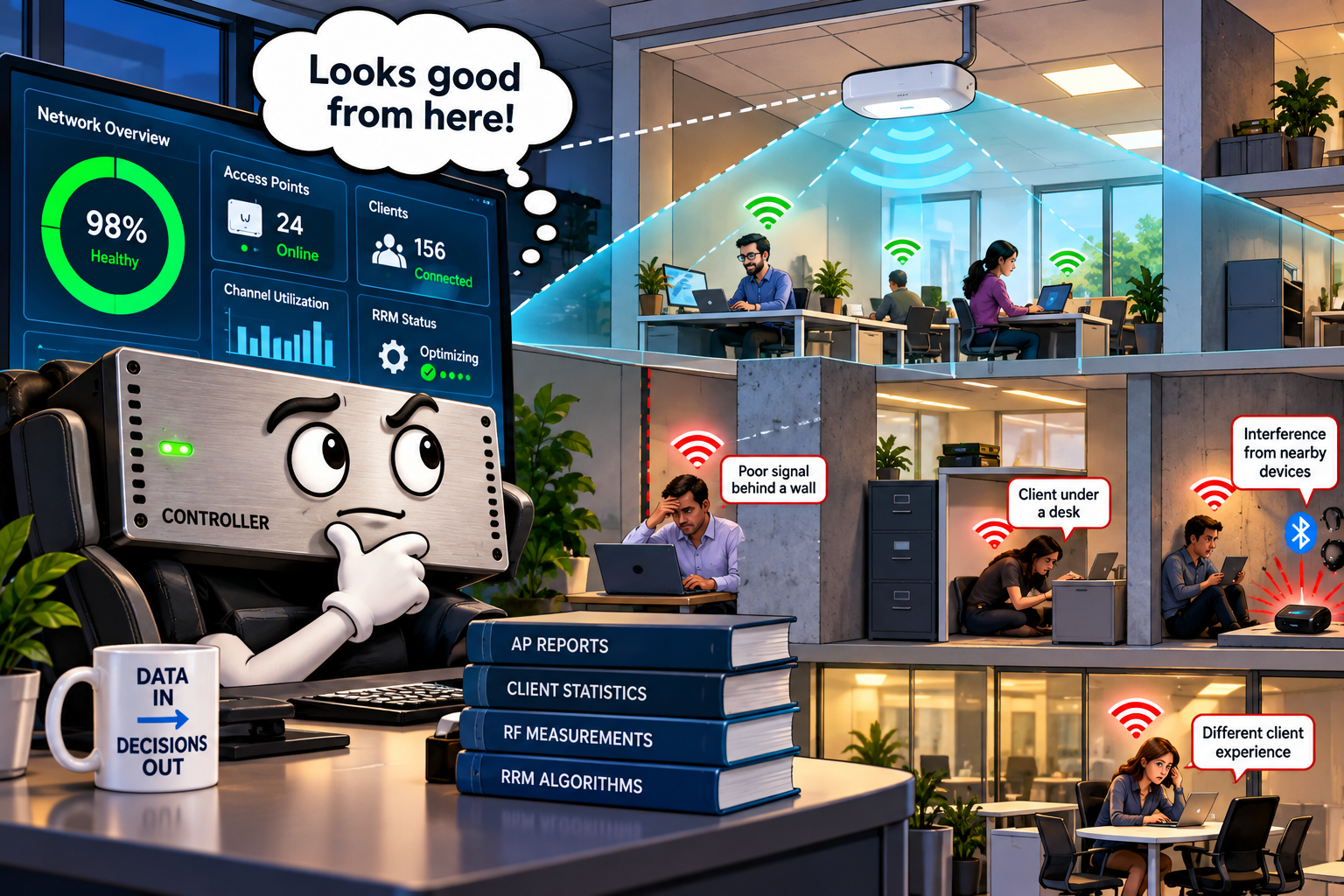
There is something wonderfully reassuring about a wireless LAN controller dashboard: everything is neatly organized; access points are green; clients are connected; channel assignments look sensible; the controller reports that Radio Resource Management (RRM) is optimizing the environment; and the health score is sitting comfortably in the high nineties.... life is good.
Uhmm... except that users are complaining about dropped calls, sluggish applications, and mysterious connectivity problems. But the dashboard says everything is fine!
Welcome to Wi-Fi Myth #16: The Controller Knows Best.
Modern wireless controllers are remarkably sophisticated. They collect enormous amounts of information, automate complex decisions, and provide visibility that engineers could only dream of a couple of decades ago.
But there's an important distinction between collecting information and understanding what's actually happening in the RF environment... and that's where things get interesting.
The Controller Has a Perspective, Not the Whole Picture
A wireless controller sees the network through the information reported by its AP’s, clients, and management systems. It can monitor channel utilization, client associations, retries, signal strength, interference indicators, and numerous other metrics. What it cannot, necessarily, see is everything happening in the air.
An AP’s radio measurements are influenced by its location, antenna characteristics, operating channel, measurement intervals, and hardware capabilities.
Meanwhile, a client sitting behind a concrete pillar, underneath a desk, or beside an enthusiastic Bluetooth user may experience something entirely different.
The controller's view is valuable. It just isn't omniscient. This distinction matters enormously when troubleshooting.
RRM Is Clever, but RF Doesn't Always Cooperate
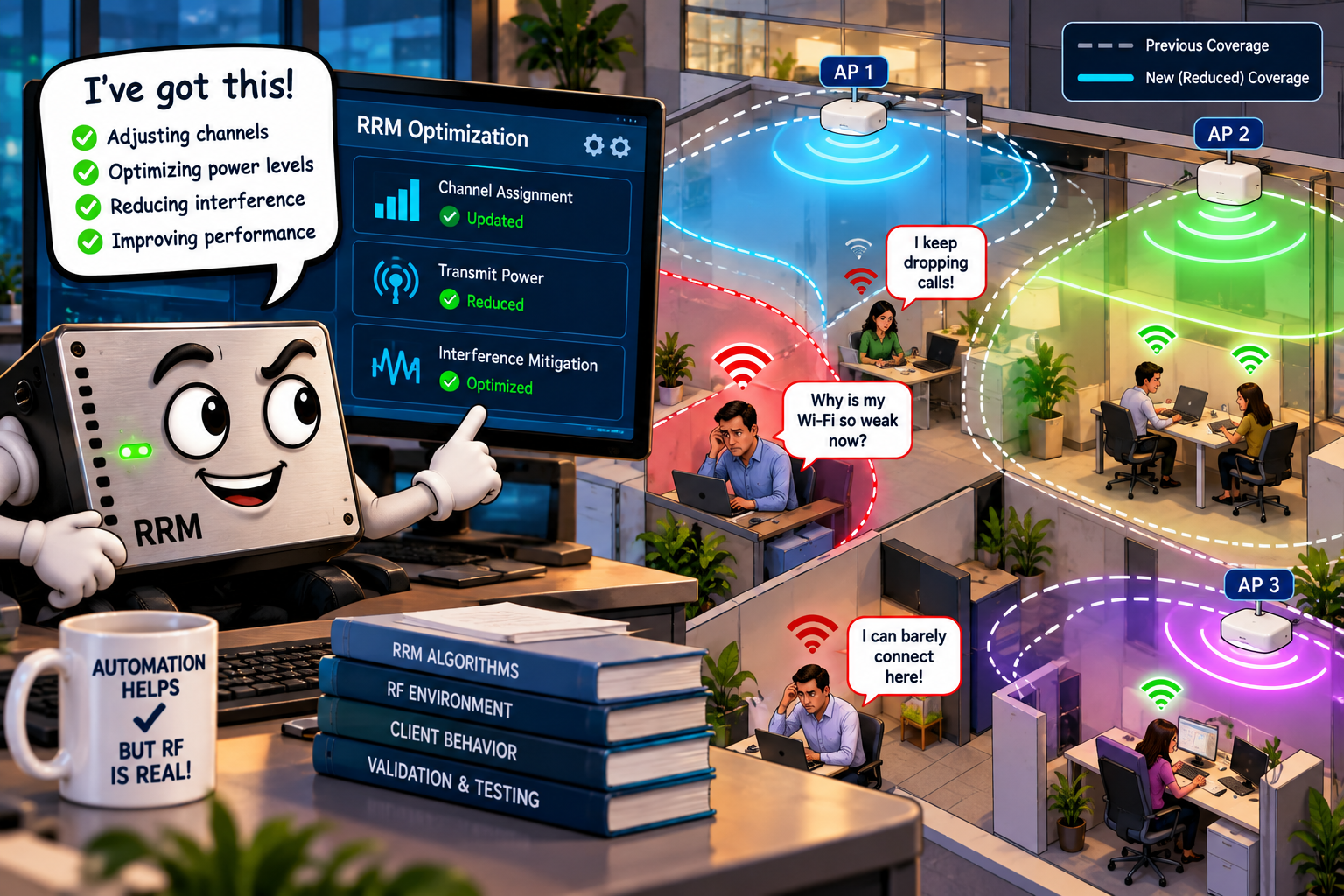
Radio Resource Management (RRM) is one of the most useful capabilities in enterprise Wi-Fi. Depending on the platform, RRM algorithms can automatically adjust channel assignments, transmit power levels, and other radio parameters to respond to changing conditions. Fantastic!
Until the optimization produces an unexpected result. (gulp!)
Imagine a busy office where an RRM algorithm reduces an AP's transmit power to minimize co-channel interference. From the controller's perspective, this may be a perfectly reasonable decision. Unfortunately, several clients near the edge of that AP's coverage area now struggle to maintain reliable connectivity. The controller optimized one aspect of the network while potentially making another worse.
This doesn't mean RRM is broken. It means optimization involves trade-offs, and algorithms operate according to their measurements, objectives, and constraints.
Remember Myth #12: “Auto Channel Selection Always Knows Best”? The same principle applies here: automation can make excellent decisions, but those decisions still deserve validation.
A Health Score Is Not a User Experience Score
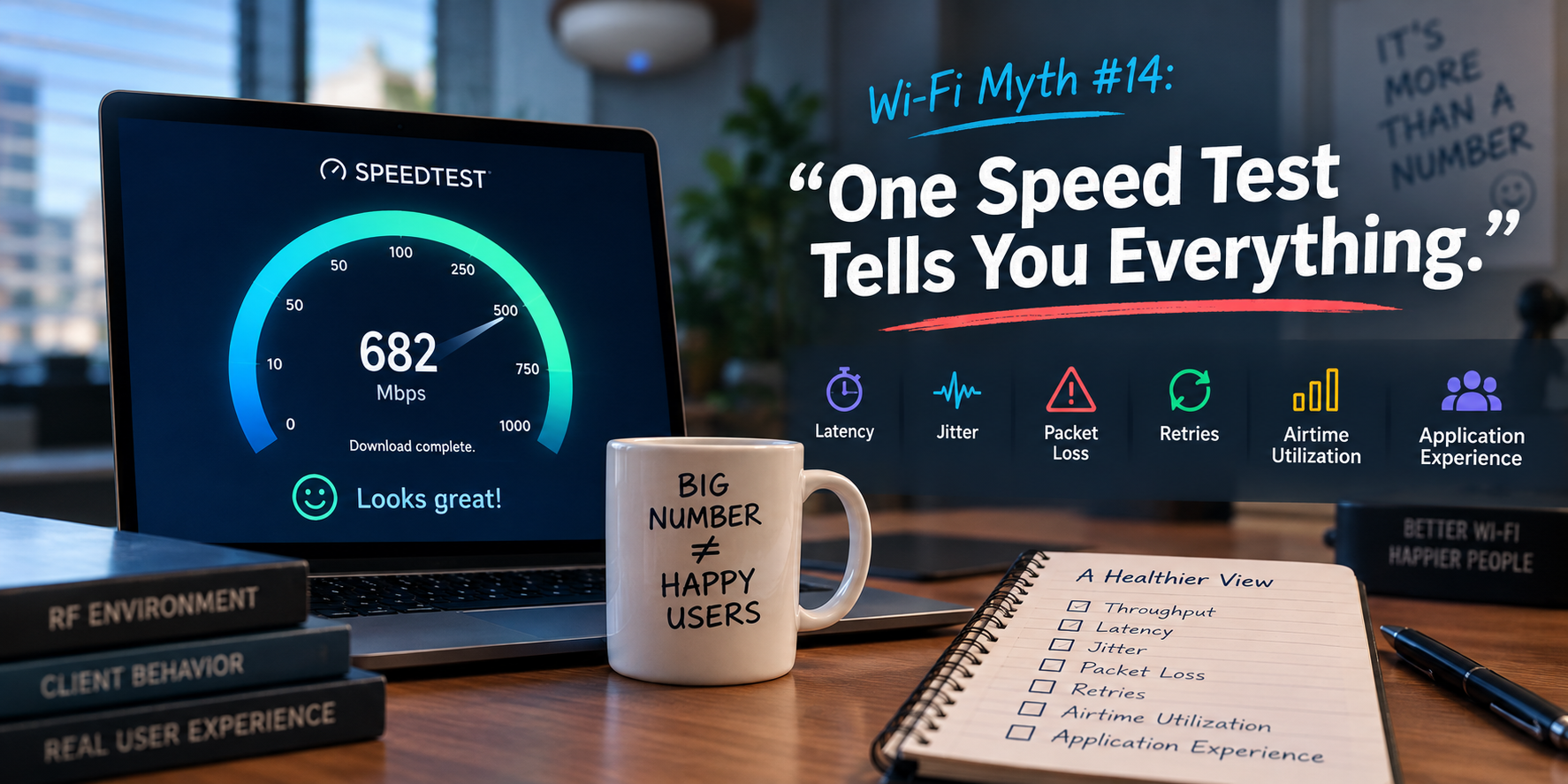
Controllers increasingly present simplified network health indicators. A score of 95% looks impressive. But what exactly does that number represent?
Different vendors calculate health scores using different combinations of metrics, thresholds, and weighting systems. Some emphasize connectivity success. Others incorporate roaming behavior, throughput, latency, authentication performance, or client-reported information.
The problem arises when engineers treat a composite score as definitive proof of network performance.
Consider a wireless client experiencing intermittent application delays. Its RSSI might be excellent. Its association stable. Its authentication successful. Yet excessive contention, retransmissions, upstream congestion, or application-layer problems could still produce a miserable experience.
A green dashboard doesn't guarantee a happy user. And a red indicator doesn't automatically identify the root cause.
The useful question isn't simply, "What's the health score?" it's, more accurately, "Which measurements produced that score, and what might they be missing?"
Recommendations Are Starting Points, Not Instructions
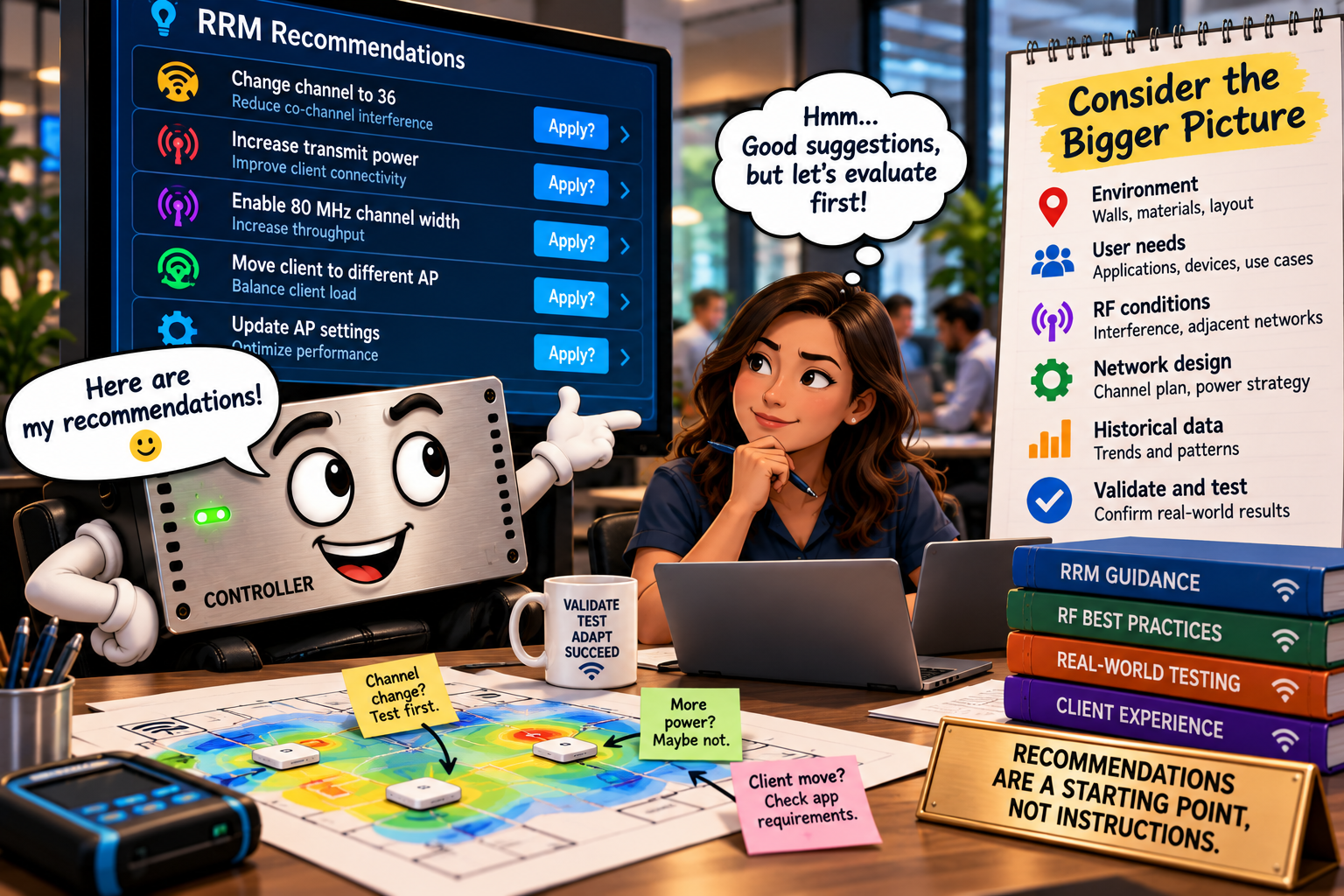
Modern wireless management platforms are increasingly enthusiastic about offering recommendations:
- Change this channel
- Reduce that AP's transmit power
- Investigate this client
- Enable this feature
Some systems even use machine learning to identify patterns and suggest corrective actions. These capabilities can save engineers considerable time but recommendations are only as reliable as the underlying data, assumptions, and analytical models.
A controller might recommend reducing transmit power because neighboring APs appear to have excessive coverage overlap. But has it considered the actual client distribution, physical obstacles, device capabilities, or application requirements? Perhaps. Perhaps not.
Before accepting a recommendation, an experienced engineer asks three questions:
- What evidence supports this recommendation?
- What problem is it actually trying to solve?
- How will I verify that the change improved the network?
That third question is particularly important because, otherwise, we're not troubleshooting... we're simply “clicking buttons with confidence”. ;)
Packet Capture Still Has a Job
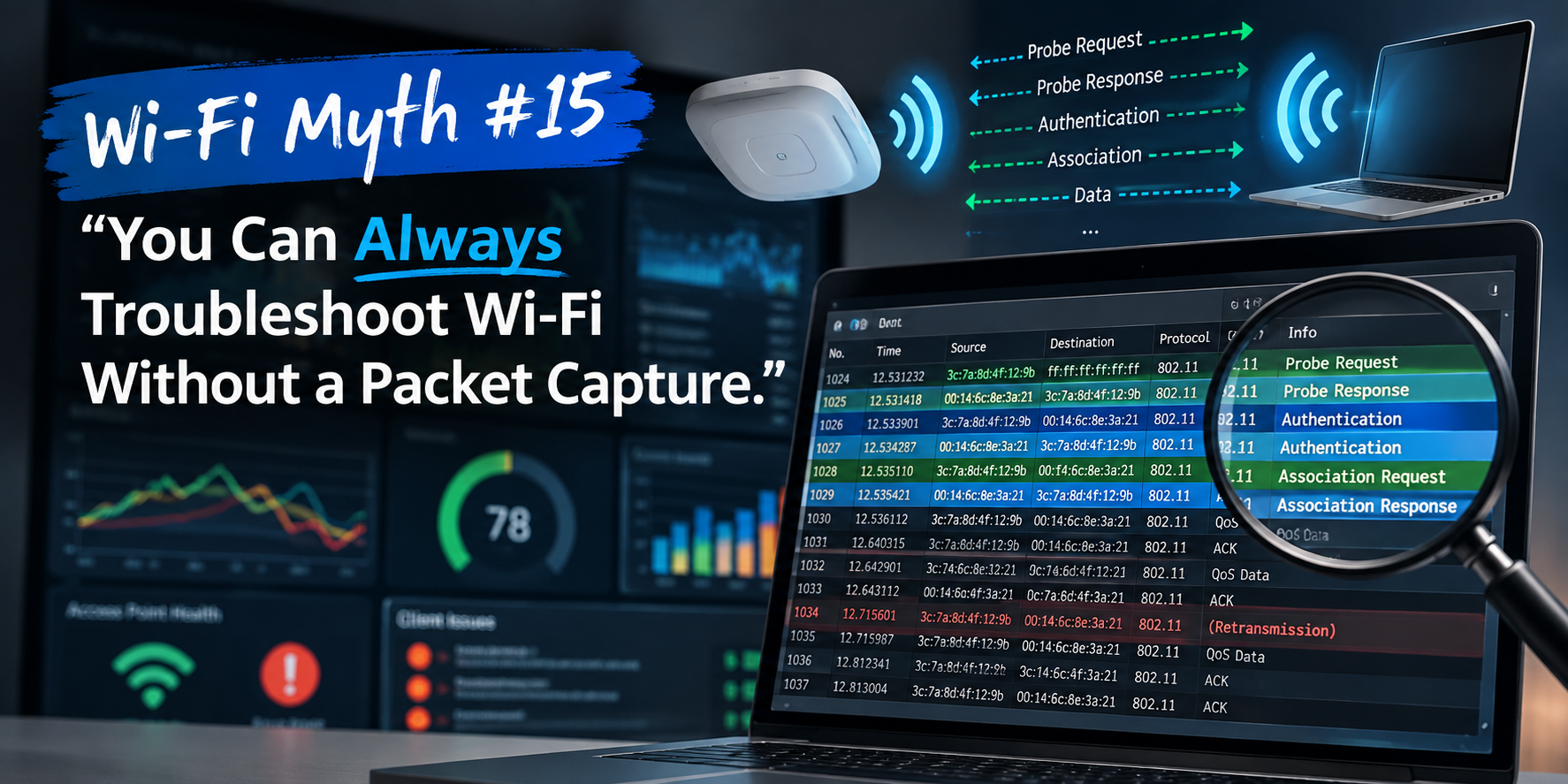
This brings us neatly back to Myth #15: You Can Always Troubleshoot Wi-Fi Without a Packet Capture.
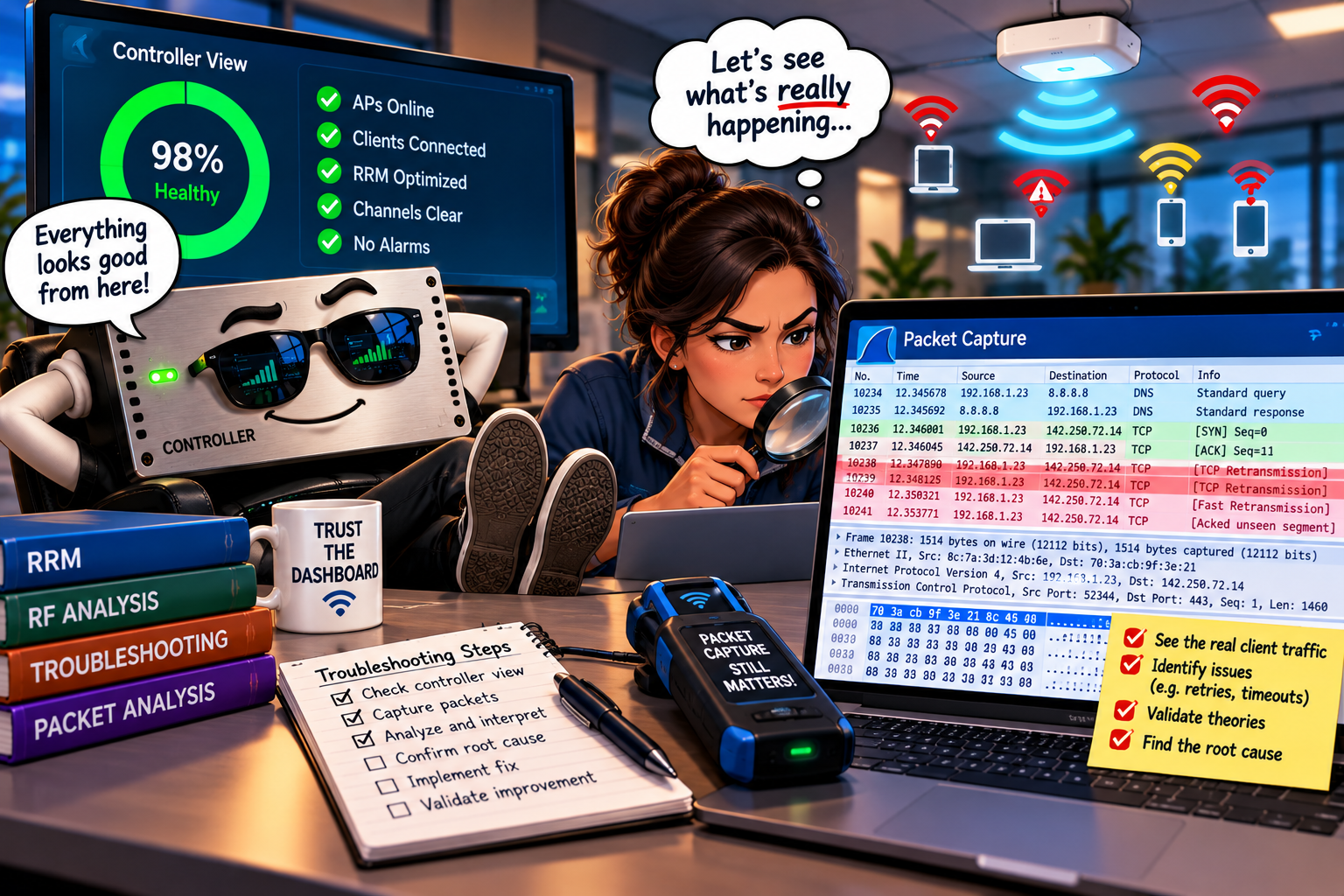
Controllers are excellent at summarizing events. Packet captures help engineers examine what actually occurred on the wire or in the air. A controller might report a roaming failure, authentication timeout, or excessive retransmissions, but the underlying frames may reveal a more nuanced story:
Was the client initiating the roam?
Were authentication exchanges delayed?
Did the AP respond as expected?
Were retries associated with contention, poor signal quality, or another condition?
A properly positioned wireless capture can expose details that controller summaries may simplify or omit but, of course, captures have limitations too:
- capture location,
- channel coverage,
- timing, and
- adapter capabilities
...all affect what can be observed.
The point isn't to replace controller data with packet captures, it's to correlate multiple sources of evidence, rather than trusting a single interpretation.
Trust the Tools. Verify the Results.
None of this is an argument against wireless controllers, RRM, analytics, or AI-assisted troubleshooting... in fact, quite the opposite.
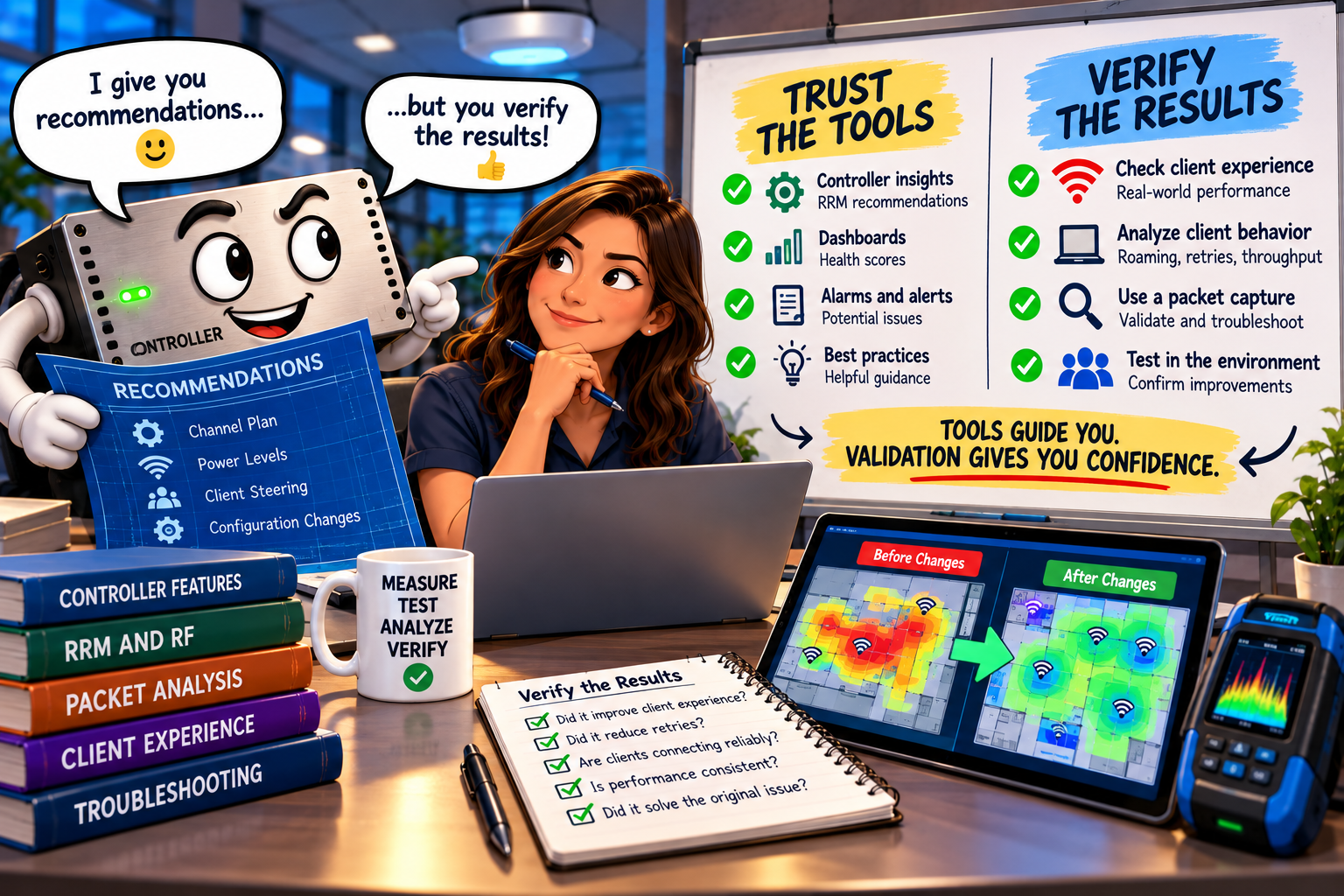
These technologies are essential for managing modern enterprise wireless environments at scale, but experienced Wi-Fi engineers understand that effective troubleshooting requires more than accepting automated conclusions. It requires context, so...
Compare controller telemetry with client-side observations.
Examine RF conditions where users actually operate.
Validate changes against measurable performance indicators.
Investigate inconsistencies rather than dismissing them.
And remember that automated decisions should support engineering judgment, not replace it!
A controller can tell you what it measured, what it inferred, and what it decided to do, but it can’t always tell you whether that decision was the right one for every client, application, and location.
Busting the Myth
Myth: The Controller Knows Best.
Reality: The controller doesn't always know best. It knows what its sensors report, what its algorithms calculate, and what its configuration allows it to do. This is incredibly powerful, but it isn't infallible.
The best wireless engineers combine controller intelligence with RF fundamentals, client observations, packet analysis, and real-world validation.
Automation can identify problems, recommend solutions, and optimize network behavior, but engineering expertise provides the context needed to determine whether those actions actually improve the user experience.
Trust your controller as a powerful tool, not an unquestionable authority because, when the dashboard says everything is wonderful but your users disagree, it's probably worth listening to the people trying to use the network.
...and, perhaps, taking another look at those reassuring green lights!
Myth = Busted!
***Helpful note:
if you want to see the images in better perspective, right-click on the picture, and select
Open Image in New Tab***
===
===
Learn More
If you want to learn more about our instructor-led IT training options, visit our training portfolio page here
===
#ITCareers #Certification #Networking #NetworkDesign #CareerDevelopment #ProfessionalDevelopment
===
About NC-Expert
NC-Expert is a privately-held California corporation and is well established within the Wireless, Network Design, Security, and CyberSecurity industry certification training, courseware development, and consulting markets.
NC-Expert has won numerous private contracts with Fortune level companies around the world. These customers have depended on NC-Expert to train, advise, and mentor their staff.
So remember, if you are looking for the best IT training just call us at (855) 941-2121 or contact us
NC-Expert Blog