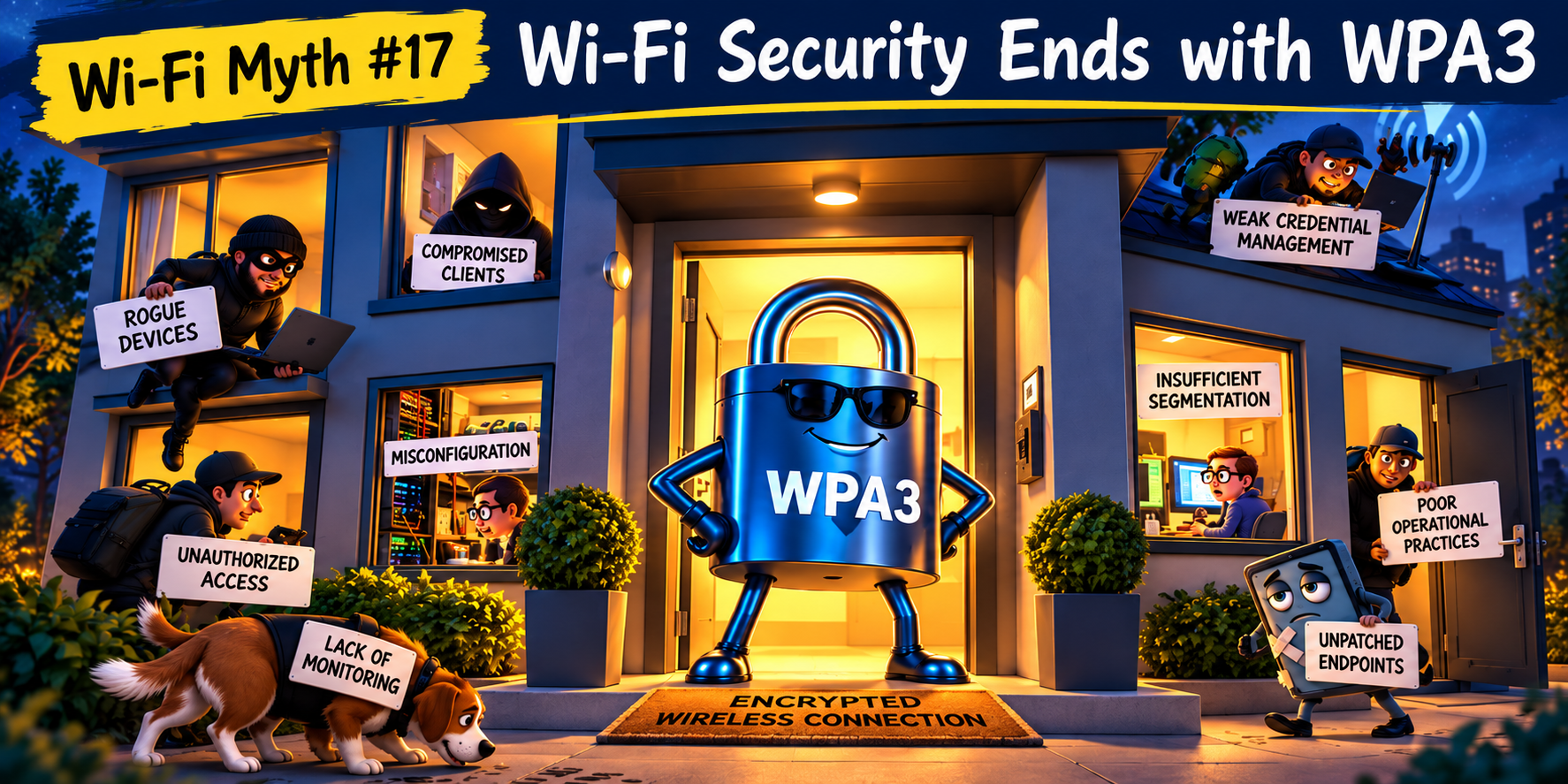
Wi-Fi Myth Series - Myth #14: One Speed Test Tells You Everything
We’ve all seen it happen: someone reports that the Wi-Fi is slow. A speed test is launched. The little needle races across the screen and, a few seconds later, an impressive number appears. “See? 600 Mbps. The Wi-Fi is fine.” Case closed.
Except, of course, it isn’t.
A speed test can be useful. It can tell you something about the performance experienced by a device at a particular location, at a particular moment, using a particular test server and network path.
What it cannot do is provide a complete diagnosis of Wi-Fi health. That distinction matters because throughput is only
one part of the user experience.
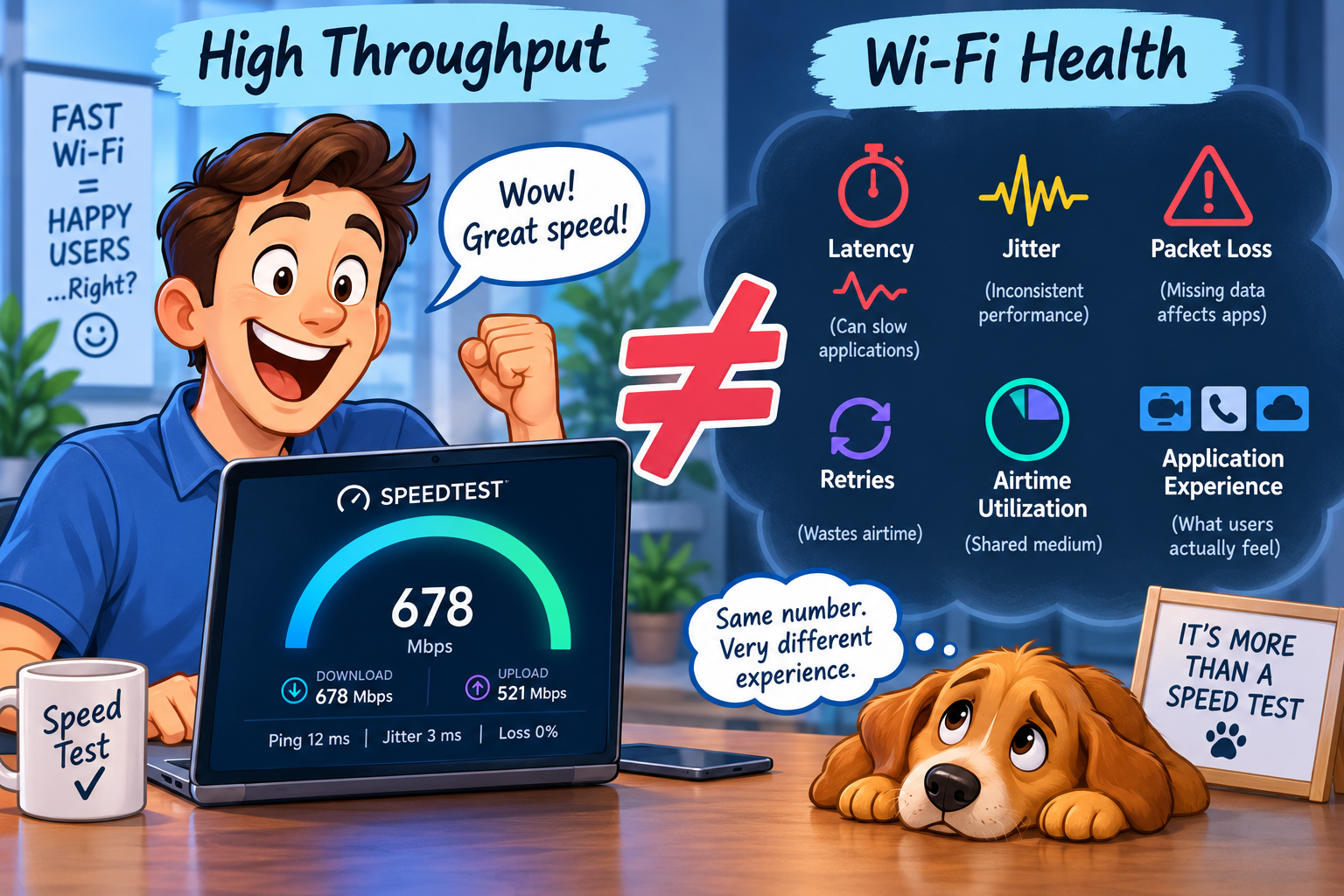
Throughput ≠ Wi-Fi Health
Speed tests are attractive because they reduce a complicated system to an easily understood number: higher must mean better.
But Wi-Fi performance depends on far more than the maximum volume of data that can be moved during a short test. A client might achieve 500 Mbps of throughput while simultaneously experiencing excessive retries, inconsistent latency, poor roaming behavior, high airtime utilization, or intermittent packet loss.
The speed test may still look wonderful. The user's video call may not. This is because applications don't all experience network performance in the same way: a large file transfer can tolerate conditions that make a real-time voice or video application distinctly unhappy.
Wi-Fi health is, therefore, not simply, “How fast can I move data?” It is also, “How consistently and efficiently can I move the data that the application actually needs?”
Latency Changes the Experience
Throughput measures capacity. Latency measures time... and, sometimes, time matters much more.
A user downloading a large software update may barely notice an additional 50 milliseconds of delay. Someone participating in an interactive video conference, using a cloud-hosted application, or accessing a latency-sensitive service might notice very quickly!
This creates an interesting situation: two Wi-Fi connections could produce similar speed-test results while delivering noticeably different application experiences:
- One responds immediately and consistently.
- The other pauses, hesitates, catches up, and occasionally leaves the user wondering whether clicking the button a second time will help. (It usually doesn't.)

Jitter: When Latency Won't Sit Still
Average latency doesn't tell the whole story either.
For real-time applications, variation in latency (“jitter”) can be just as important.
Packets arriving consistently at 30 ms may provide a perfectly acceptable experience, but packets arriving at 15 ms, then 80 ms, then 25 ms, then 120 ms create a very different situation.
Voice and video applications particularly appreciate predictability.
A speed test optimized to push a large amount of data through the connection may not make this variability obvious. The user on a Teams or Zoom call probably will. Their description may simply be, “The Wi-Fi keeps glitching.” That observation shouldn't be dismissed, just because a speed test produced an impressive number.
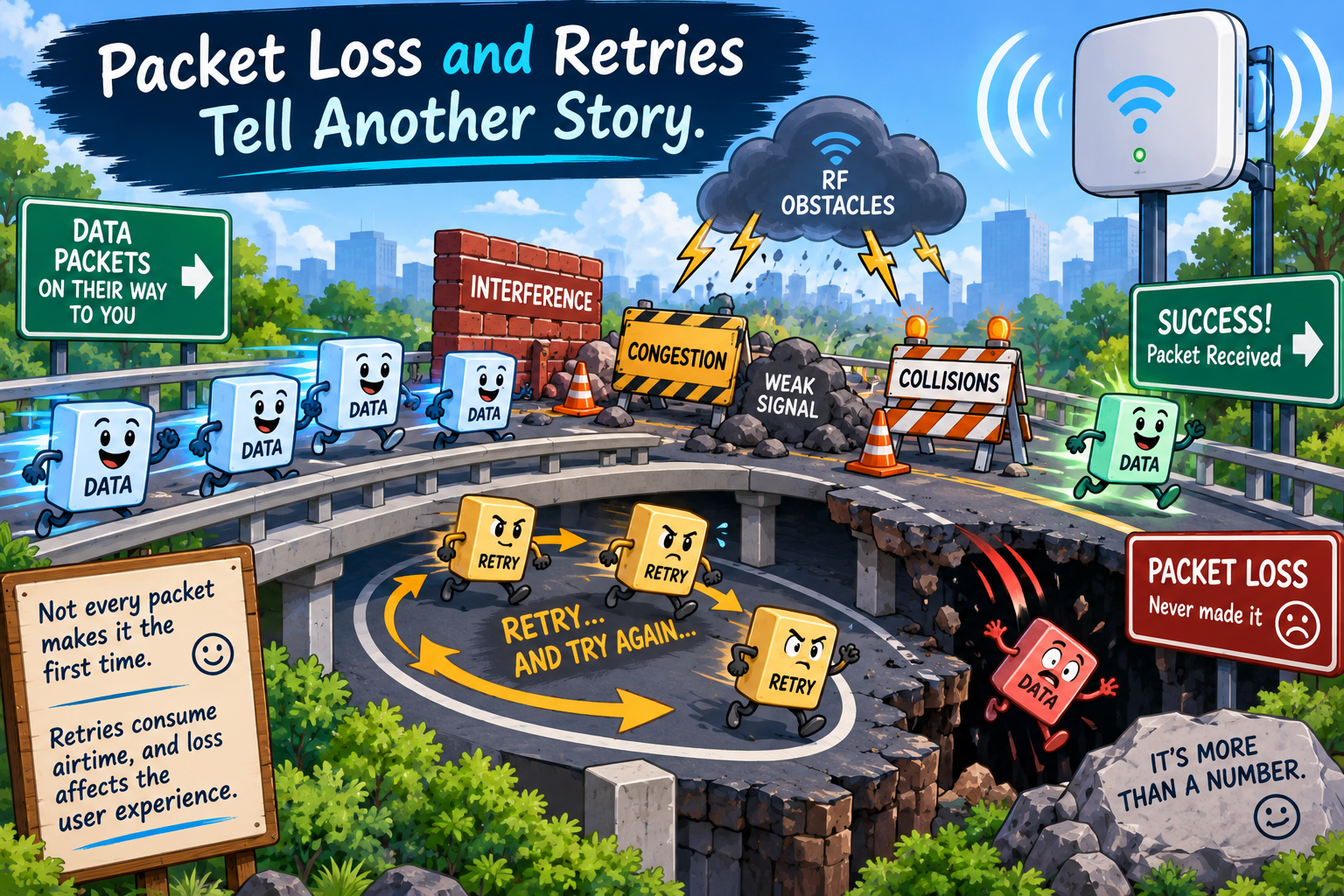
Packet Loss and Retries Tell Another Story
Then there are packets that don't arrive successfully.
Packet loss can affect application performance dramatically, particularly for real-time traffic. Even relatively small amounts can result in audio dropouts, frozen video, interrupted sessions, or poor responsiveness.
On the wireless side, retries provide another valuable clue. Wi-Fi expects retransmissions. A retry, by itself, isn't evidence that something is terribly wrong, but elevated retry rates can indicate interference, contention, weak signal conditions, collisions, hidden-node problems, or other RF challenges. And retries consume something extremely valuable: airtime. Every frame that has to be transmitted again occupies the medium... again.
And the speed test result doesn't necessarily tell you how much effort the WLAN expended to achieve that number!

Airtime: the Resource That Matters
Ethernet engineers can think primarily in terms of bandwidth, whereas Wi-Fi engineers also have to think in terms of airtime.
The wireless medium is shared. Clients contend for opportunities to transmit, and a network can have excellent theoretical capacity while still suffering from inefficient airtime use.
High channel utilization, excessive management traffic, slow clients, retries, contention, neighboring networks, and non-Wi-Fi interference can all affect how much useful work gets accomplished during the available airtime.
A speed test represents one client's experience during a short window. It doesn't necessarily reveal what happens when the conference room fills up at 10:00 A.M., thirty laptops wake up, video meetings begin, collaboration applications start synchronizing, and several phones decide that now would be an excellent time to perform background activity. ;-)
The WLAN didn't suddenly “lose speed”: the RF environment changed.

A Speed Test Is a Snapshot, Not a Site Survey
There are lots of things that matter...
- Location matters: running a test while standing underneath an AP tells you remarkably little about the experience twenty meters away, behind two walls, inside the conference room where users are actually complaining.
- Time matters as well: a test performed at 7:30 a.m. may look very different from one performed during peak occupancy.
- Client capability matters.
- Band selection matters.
- Channel width matters.
- Roaming matters.
- The test server and wired network path matter.
- Even the device running the test matters.
These things don't make speed testing useless, they simply mean that the result needs context.
It must be remembered that a single test is a data point, not a diagnosis.

Test the Experience, Not Just the Pipe
When troubleshooting Wi-Fi, the better question is not, “What speed did we get?” Instead, it is, “What is the network doing when the user experiences the problem?”
Definitely look at throughput... but look at it alongside latency, jitter, packet loss, retries, RSSI, SNR, PHY rates, MCS behavior, channel utilization, interference and contention, roaming events, client capabilities, and application performance.
And test... repeatedly:
- Test from different locations,
- Test at different times,
- Test under realistic load,
- Compare affected and unaffected clients,
...and look for patterns.
Most importantly, understand what the application actually requires.
A WLAN does not exist to produce impressive speed-test screenshots. It exists to support applications and users.
Busting the Myth
Myth: One Speed Test Tells You Everything.
Reality: A speed test tells you how one device performed during one test, at one location, at one moment, across one particular network path. This is all useful information, but it isn't anywhere near the whole story.
Healthy Wi-Fi is about much more than raw throughput. Latency, jitter, packet loss, retries, airtime utilization, RF conditions, client behavior, and application experience all contribute to performance.
So, the next time someone proudly announces that the Wi-Fi must be fine, “...because the speed test showed 600 Mbps”, resist the temptation to argue.
Just smile... then open the packet capture. ;-)
Myth = Busted!
===
===
Learn More
If you want to learn more about our instructor-led IT training options, visit our training portfolio page here
===
#ITCareers #Certification #Networking #NetworkDesign #CareerDevelopment #ProfessionalDevelopment
===
About NC-Expert
NC-Expert is a privately-held California corporation and is well established within the Wireless, Network Design, Security, and CyberSecurity industry certification training, courseware development, and consulting markets.
NC-Expert has won numerous private contracts with Fortune level companies around the world. These customers have depended on NC-Expert to train, advise, and mentor their staff.
So remember, if you are looking for the best IT training just call us at (855) 941-2121 or contact us
NC-Expert Blog