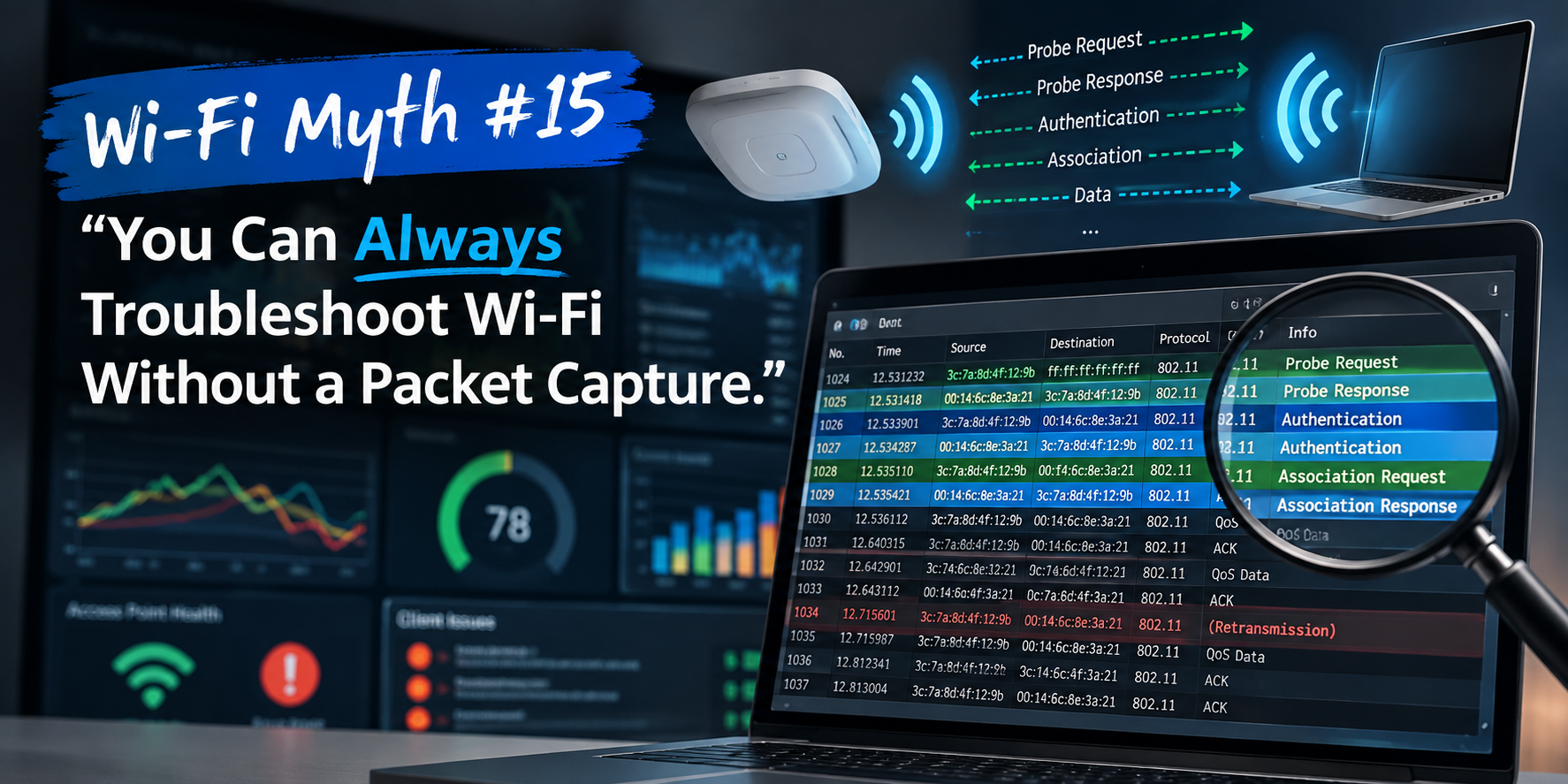
Wi-Fi Myth Series - Myth #5: Wider Channels Always Mean Better Performance
There is something wonderfully satisfying about seeing a Wi-Fi channel get wider: twenty megahertz becomes forty. Forty becomes eighty. Eighty becomes one hundred and sixty. This begs the question: more bandwidth must mean more speed... right? Well... sometimes.
Like many things in Wi-Fi engineering, the answer begins with, "It depends."
The idea that wider channels always deliver better performance has become surprisingly common. It's an understandable conclusion because, in theory, wider channels can carry more data. More lanes on a highway should allow more traffic to flow. But Wi-Fi isn't driven by theory alone. The RF environment has an annoying habit of reminding us that physics always gets the final vote.
Let's explore why bigger isn't always better...
More Lanes... But Fewer Roads
Imagine a city with only a handful of highways. If you combine four lanes into one giant superhighway, each individual vehicle might travel faster. Unfortunately, you've also eliminated several independent routes that other drivers could have used.
That's exactly what happens with channel bonding:
- An 80 MHz channel occupies the same spectrum as four adjacent 20 MHz channels.
- A 160 MHz channel consumes eight.
While you've increased the potential throughput available to one transmission, you've dramatically reduced the number of separate channels available for everyone else.
In an empty environment, this is often perfectly acceptable. But, in a busy enterprise? Not so much.
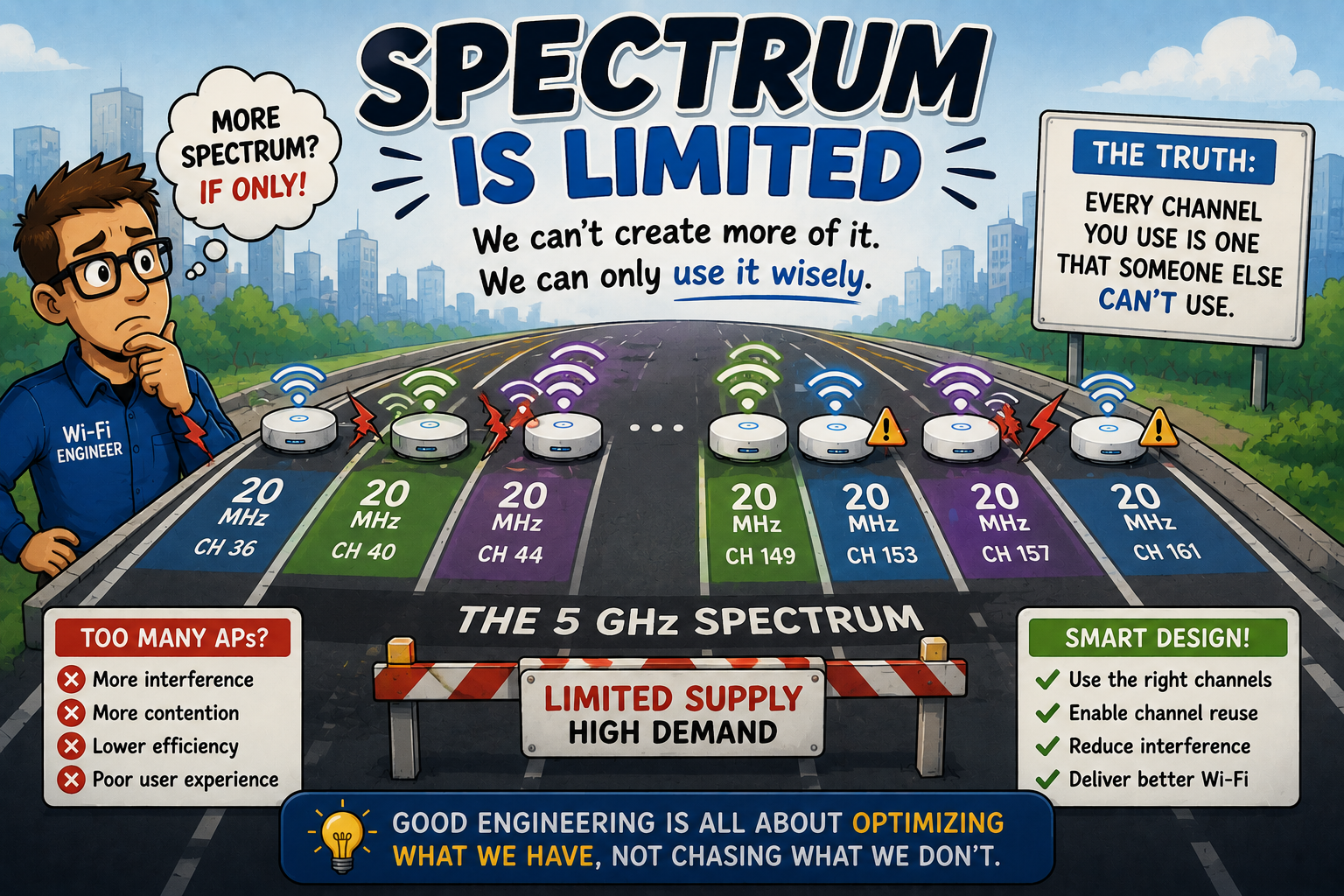
Spectrum Is Limited
One of the realities every Wi-Fi engineer learns, is that radio spectrum is precious.
Unlike Ethernet, where adding another cable usually solves congestion, Wi-Fi engineers cannot simply manufacture more spectrum. Every channel you occupy is one that neighboring APs cannot use without increasing contention.
This becomes especially important in high-density office buildings, hospitals, universities, hotels, convention centers, and apartment complexes. Everyone is sharing the same invisible resource. Wider channels consume that resource much more quickly.
Bigger Channels Hear More Noise
Here's something that often surprises newer wireless engineers: a wider channel doesn't simply collect more useful signal. It also collects more interference.
Imagine opening a window. A small window lets in fresh air. A much larger window also lets in traffic noise, lawnmowers, barking dogs, construction work, and everything else happening outside.
Radio receivers behave similarly: the wider the channel, the larger the slice of spectrum being monitored. If interference exists anywhere inside that wider channel, the entire transmission may be affected.
Sometimes, making the channel wider actually reduces performance rather than improving it.
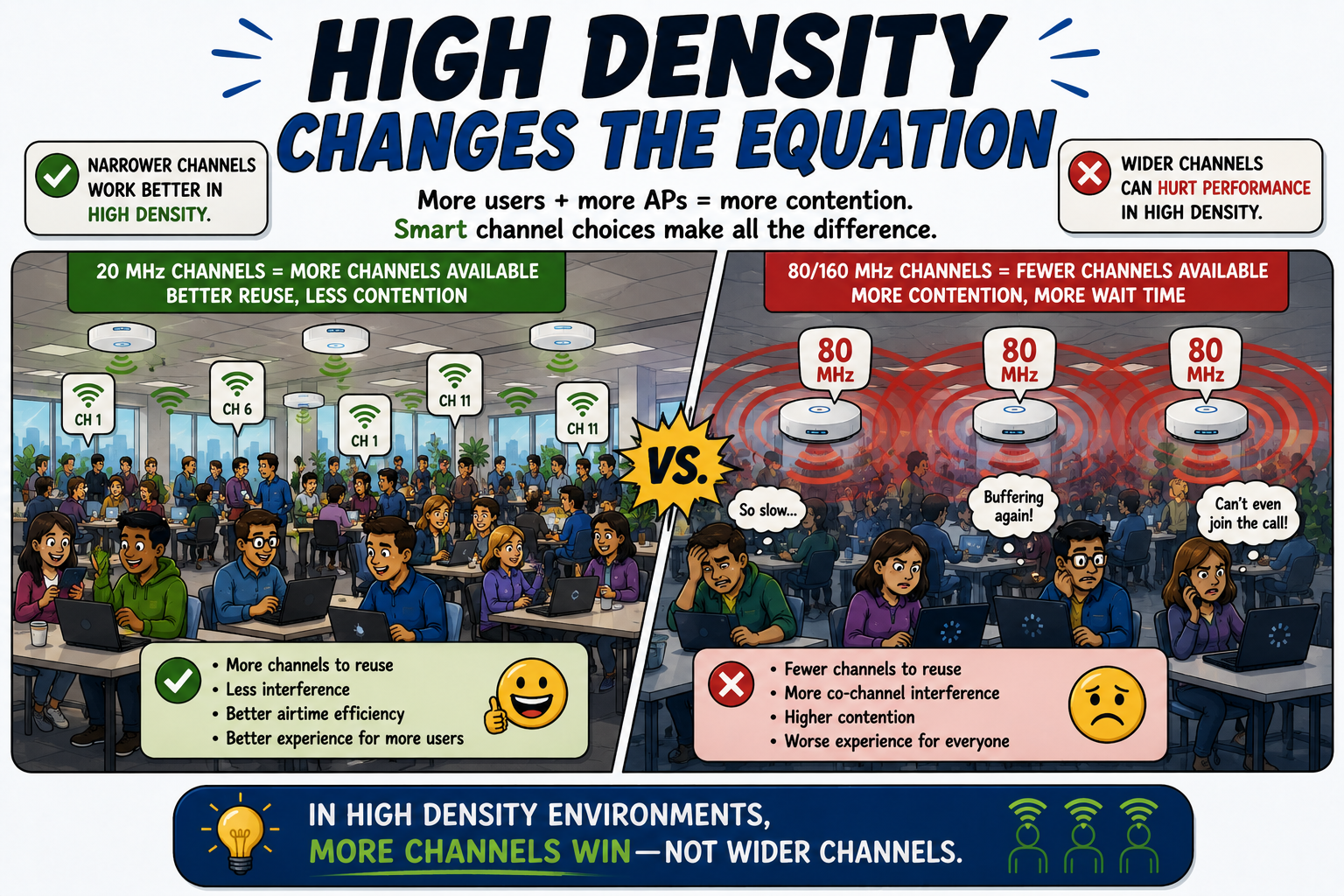
High Density Changes the Equation
Suppose you're designing Wi-Fi for a conference center with hundreds of users. Should every AP use 160 MHz channels? Almost certainly not.
In fact, many experienced wireless designers deliberately use 20 MHz channels in high-density environments.
Why? Because narrower channels increase channel reuse. More independent channels become available. Neighboring APs are less likely to compete for airtime. Clients spend less time waiting for the medium to become available. Overall network efficiency often improves... even though each individual transmission has a lower theoretical maximum speed. This is one of the reasons enterprise Wi-Fi frequently behaves very differently from home Wi-Fi.
The goal isn't to make one device incredibly fast. The goal is to make hundreds of devices consistently productive.
Faster Isn't Always Faster
Marketing departments love maximum data rates. Engineers tend to love sustained performance. These aren't always the same thing.
A laptop connected at an impressive PHY rate doesn't automatically translate into a faster user experience, if:
- retransmissions increase
- co-channel contention increases
- neighboring networks interfere
- airtime becomes congested
...then the “impressive” data rate quickly becomes far less impressive.
Users rarely notice theoretical throughput. BUT they absolutely notice buffering, latency, dropped calls, and sluggish applications!
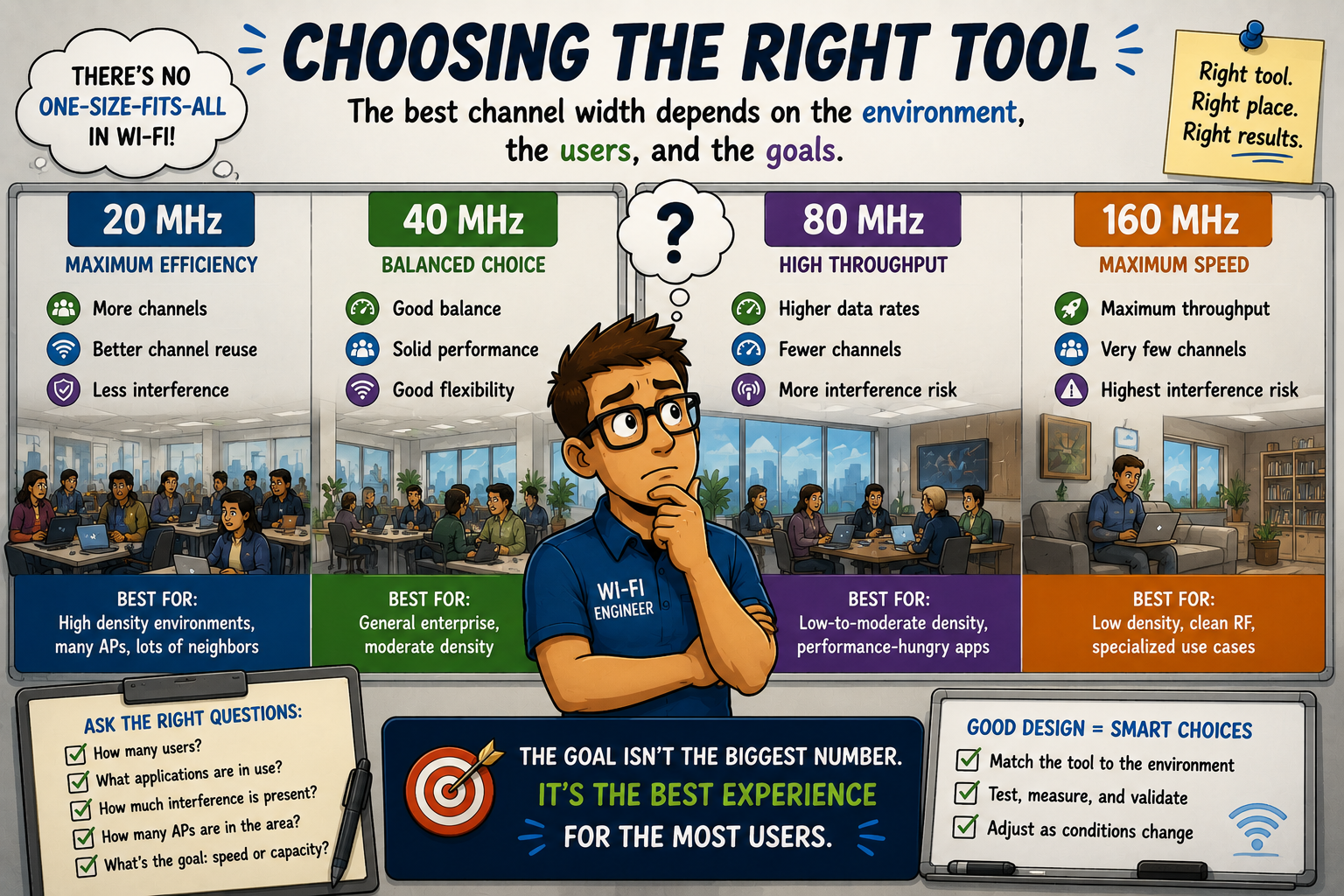
Choosing the Right Tool
One of the signs of an experienced Wi-Fi engineer is that they stop asking, "What's the fastest channel width?" and start asking, "What's the most appropriate channel width for this environment?"
Sometimes that's 20 MHz. Sometimes it's 40 MHz. Sometimes 80 MHz makes perfect sense. There are even environments where 160 MHz is entirely appropriate, such as in:
- Laboratories
- Homes
- Small offices
- Low-density deployments
- Clean RF environments
The important point is that channel width should always be a design decision, and not a default setting... because good wireless design is about optimization, not maximization.
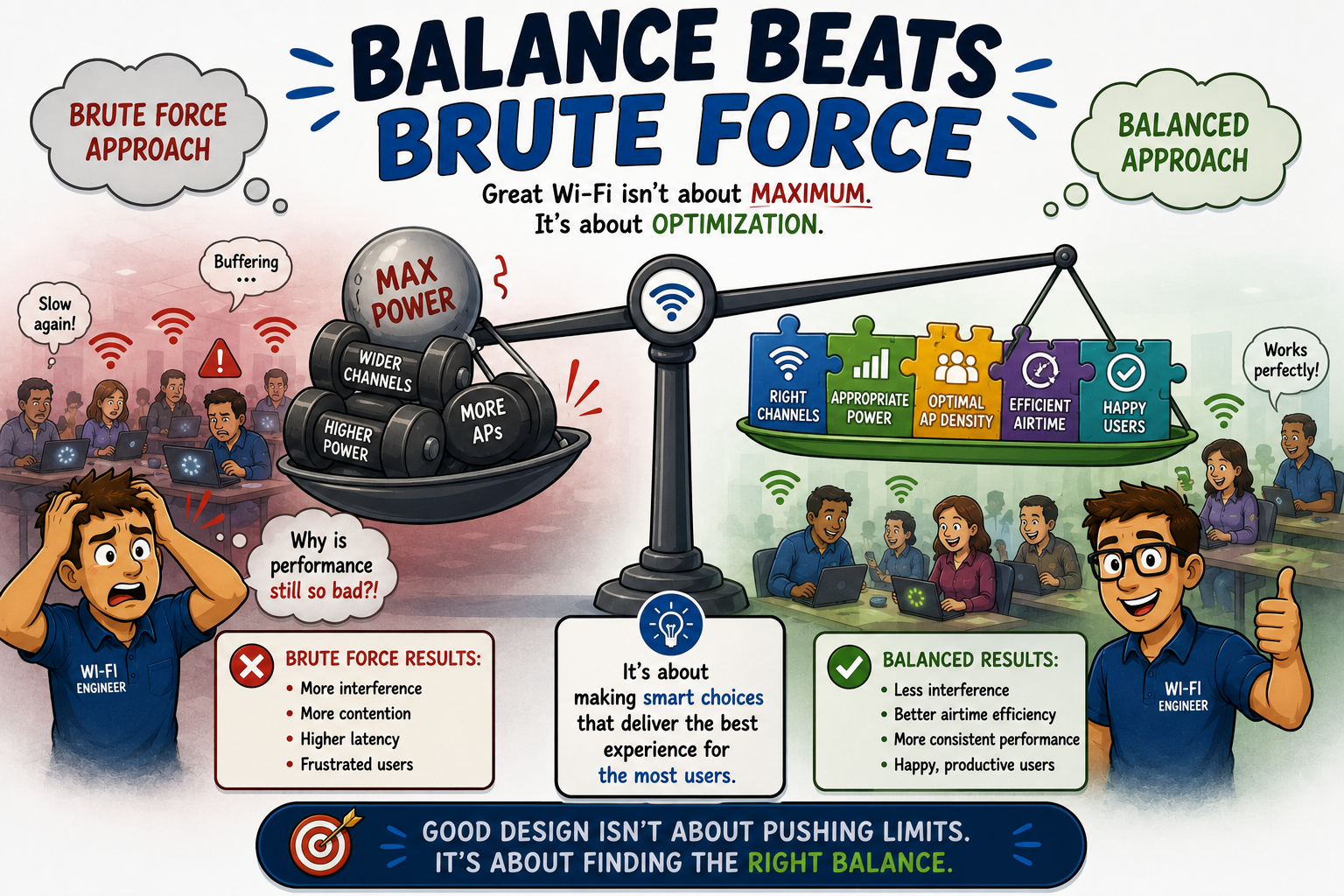
Balance Beats Brute Force
Wi-Fi engineering is full of trade-offs:
- Transmit power
- Channel reuse
- Coverage
- Capacity
- Roaming
...and, as good engineers will agree: Channel width belongs on this list.
Every decision influences several others. Increasing channel width may improve throughput for some clients while simultaneously reducing spectrum efficiency for everyone else.
The best wireless engineers recognize these competing priorities and design accordingly. Their goal isn't to create the fastest possible connection for one user. It's to create the best possible experience for all users. This is a very different objective.
Busting the Myth
Myth: Wider channels always mean better performance.
Wider channels can absolutely increase potential throughput... but only when the RF environment, client density, and available spectrum support them.
In many enterprise environments, narrower channels provide better channel reuse, reduce contention, improve airtime efficiency and, ultimately, deliver a better experience for more users.
The next time someone confidently declares, "Let's just make everything 160 MHz. That'll speed things up," remember this: a wider channel isn't free. It consumes more spectrum, increases the potential for interference, and reduces the number of channels available to everyone else.
Great Wi-Fi isn't built by chasing the biggest numbers on a specification sheet. It's built by making thoughtful engineering decisions based on the environment, the users, and the applications.
In Wi-Fi, bigger isn't always better. Smarter almost always is.
Myth = Busted!
===
===
Learn More
If you want to learn more about our instructor-led IT training options, visit our training portfolio page here
===
#ITCareers #Certification #Networking #CompTIA #CWNP #CyberSecurity #CareerDevelopment #ProfessionalDevelopment
===
About NC-Expert
NC-Expert is a privately-held California corporation and is well established within the Wireless, Security, and CyberSecurity industry certification training, courseware development, and consulting markets.
NC-Expert has won numerous private contracts with Fortune level companies around the world. These customers have depended on NC-Expert to train, advise, and mentor their staff.
So remember, if you are looking for the best IT training just call us at (855) 941-2121 or contact us
NC-Expert Blog