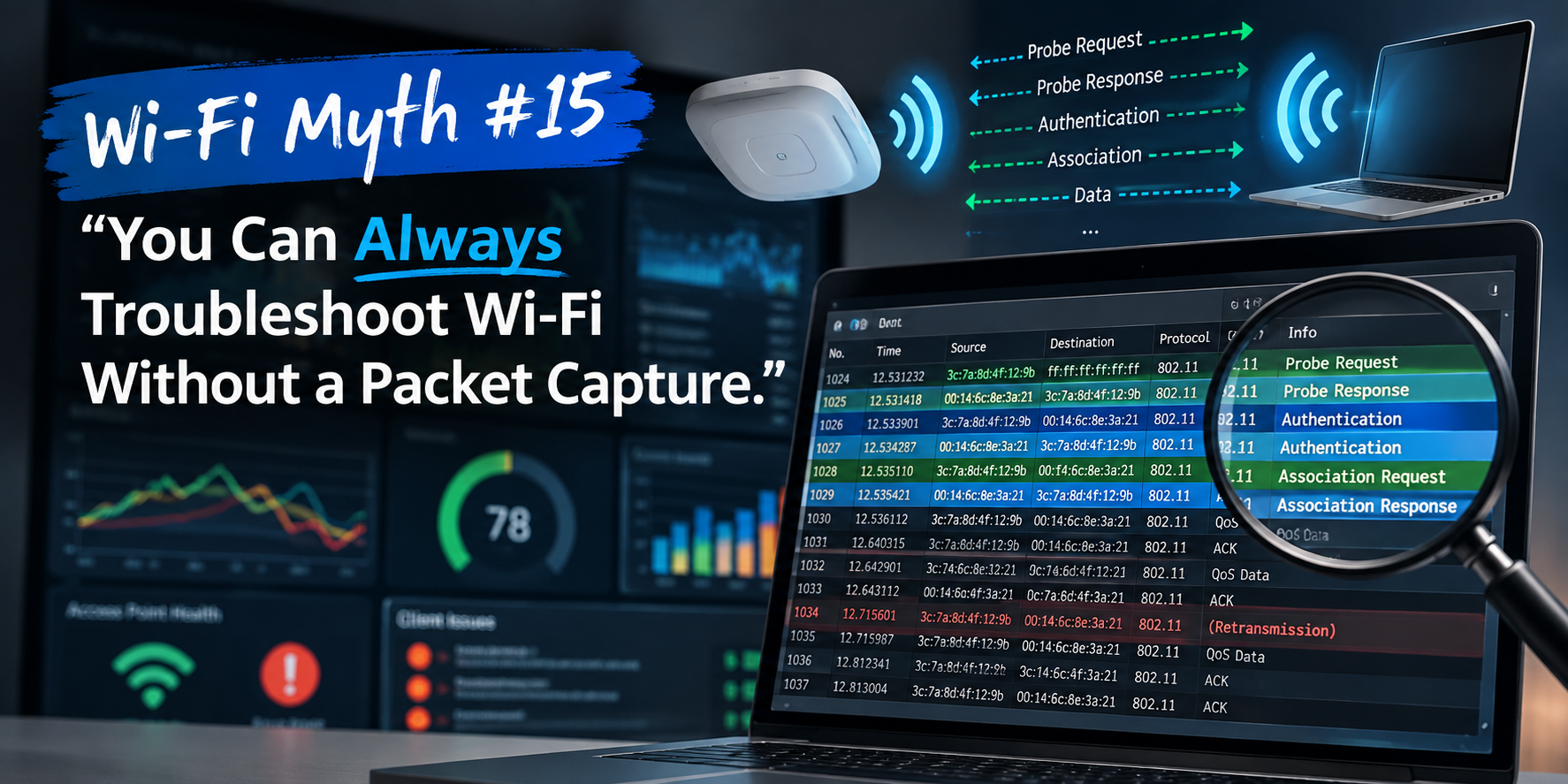
Wi-Fi Myth Series – Myth #3: Strong Signal Means Great Wi-Fi
We've all seen it happen: A user reports that "the Wi-Fi is terrible," so someone immediately checks the signal strength. "RSSI is -48 dBm." "Excellent." "Problem solved." Except... the user is still staring at a spinning "loading" icon.
Welcome to one of the most persistent myths in wireless networking: Strong signal means great Wi-Fi.
It's an easy trap to fall into because signal strength is visible.
Nearly every wireless tool reports RSSI. Devices proudly display three, four, or five little bars. Coverage heatmaps glow with reassuring shades of green. Yet experienced Wi-Fi engineers know that great signal strength and great Wi-Fi are not the same thing.
In fact, it’s entirely possible to have outstanding RSSI while users experience dreadful performance!

RSSI is Only One Piece of the Puzzle
Received Signal Strength Indicator (RSSI) tells us one thing: How loudly the AP is being heard. That's useful. Very useful. But it's only one measurement.
Imagine you're looking for somewhere to eat. One restaurant has the brightest neon sign you've ever seen. You can see it from half a mile away. Fantastic! However, the bright sign might help you find the building, but it tells you nothing about the quality of the food or the speed of the service. When you walk inside, you discover that the wait is 90 minutes, the kitchen is overwhelmed, the staff are stressed, and the food arrives cold. Would you call it a great restaurant? Of course not.
So why do we sometimes judge Wi-Fi purely by RSSI? RSSI works much the same way as the neon sign: it helps describe the radio environment, but it doesn't describe the user experience.
Wi-Fi is About Conversations
One of the easiest ways to understand Wi-Fi is to stop thinking about signals and start thinking about conversations.
Two people may hear each other perfectly. That doesn't mean they'll have a productive conversation if twenty other people are talking at the same time.
Wi-Fi shares the same challenge.
Even with excellent signal strength, networks can suffer from:
- Co-channel interference
- Excessive airtime utilization
- Retransmissions
- High client density
- Channel contention
- Poor roaming decisions
The radios can hear each other beautifully... they're simply waiting their turn to speak.
Don’t Forget Signal Quality
Experienced engineers rarely stop at RSSI. They also ask: "What's the Signal-to-Noise Ratio?"
This is where many troubleshooting sessions become interesting.
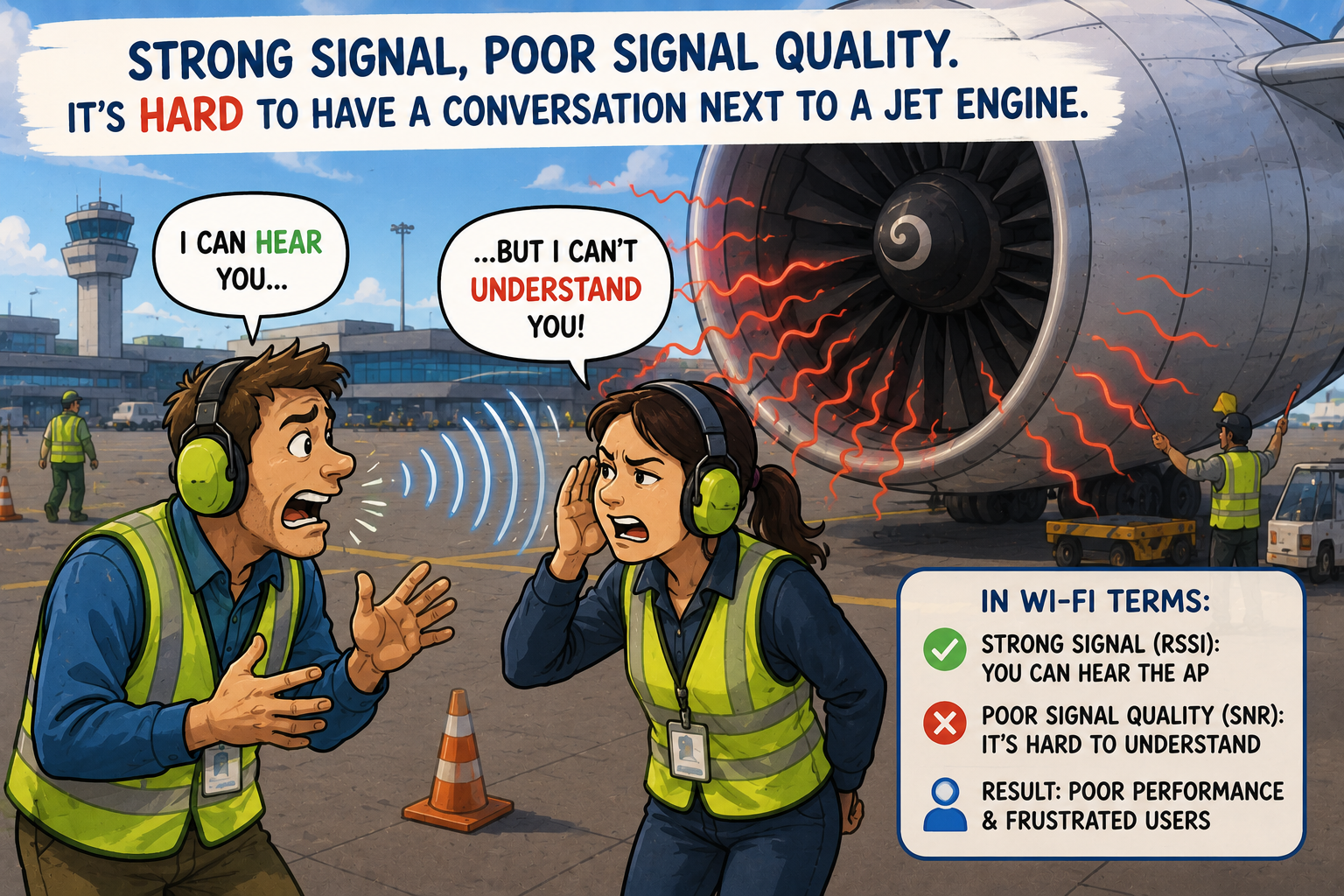
A client with an RSSI of -50 dBm might appear to have excellent connectivity. But, if nearby interference raises the noise floor significantly, the Signal-to-Noise Ratio (SNR) may be poor.
Strong signal. Poor signal quality. Poor throughput.
It's rather like trying to hold a conversation beside a jet engine. Your friend's voice may be loud enough. The environment simply makes understanding difficult.
Airtime Is the Real Currency
One concept that separates experienced Wi-Fi engineers from newer ones is airtime.
Wi-Fi isn't usually limited by coverage. It's limited by available airtime. Every transmission occupies the channel. Every retransmission consumes additional airtime. Every slow client keeps everyone else waiting... just a little longer.
A network with excellent RSSI can still perform poorly if airtime is constantly occupied. Think of RSSI as the width of the entrance to a motorway. A wide entrance doesn't guarantee smooth traffic once everyone reaches the highway. Congestion still wins.
Happy RSSI Doesn't Mean Happy Users
This is perhaps the most important lesson: Users don't measure RSSI. Users measure experience.
- Can they join a video call?
- Can they upload a presentation?
- Can they roam between conference rooms without dropping the meeting?
- Can they download files quickly?
No employee has ever celebrated because their RSSI improved by 5 dB. They celebrate when everything simply works.
As engineers, it's easy to become fascinated by measurements because measurements are objective. Users, however, care about outcomes.
Looking Beyond the Signal Meter
The best Wi-Fi troubleshooting rarely begins and ends with signal strength. Instead, experienced engineers build a much bigger picture.
They examine:
- RSSI
- SNR
- Retry rates
- Channel utilization
- PHY rates
- Roaming behavior
- Client capabilities
- Application performance
...only then does the full story emerge.
It's a little like solving a mystery. RSSI might be the first clue, but it almost never turns out to be the entire case.
Engineering Is About Balance
By now, you may notice a recurring theme in our Wi-Fi Myths series:
- Myth #1 showed us that adding more access points doesn't automatically improve Wi-Fi.
- Myth #2 reminded us that increasing transmit power often creates new problems.
- Myth #3 demonstrates that strong signal strength alone doesn't guarantee a great user experience.
None of these measurements are unimportant. They're simply incomplete when viewed in isolation.
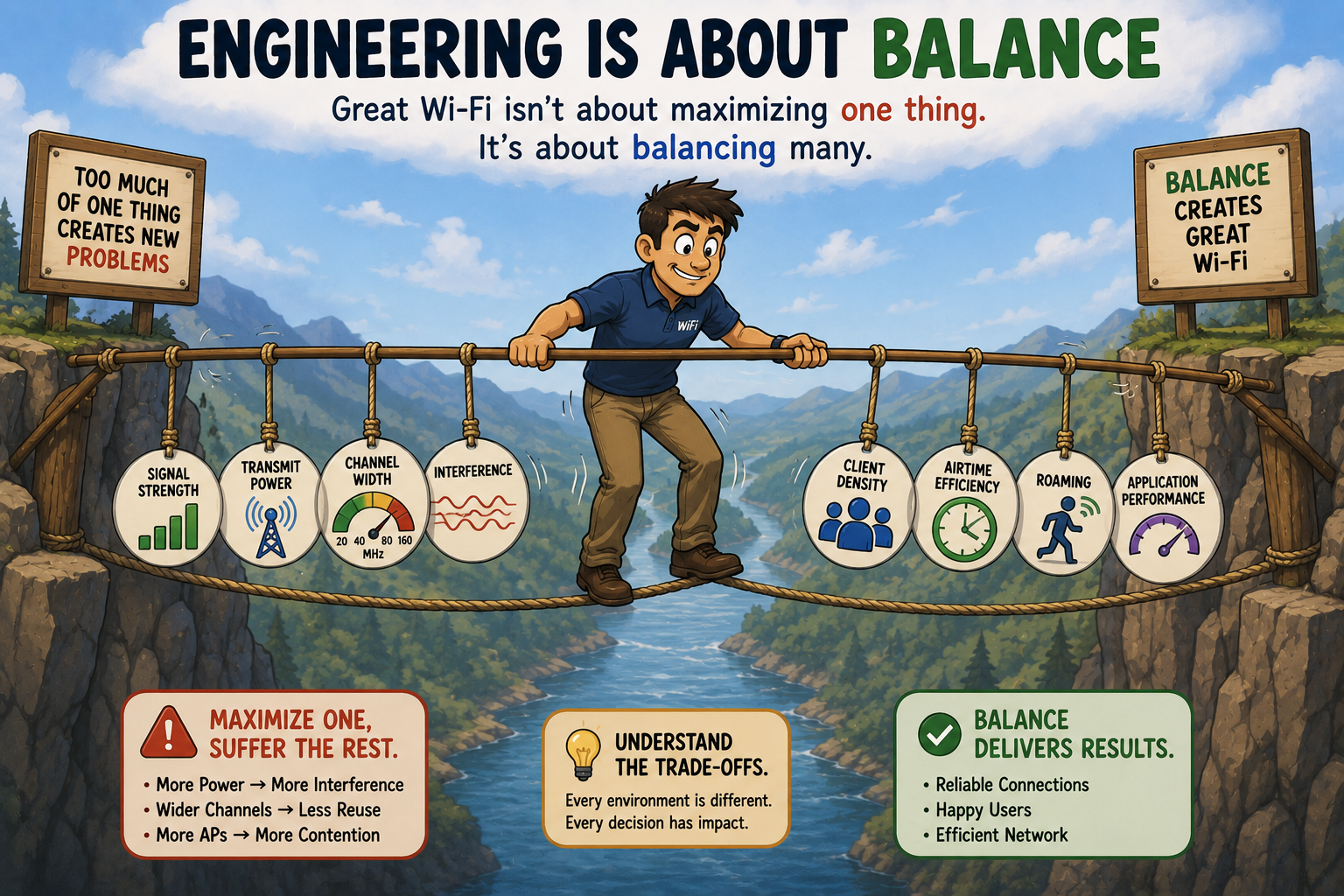
Good Wi-Fi isn't built by maximizing one number, it's built by balancing dozens of factors that all influence one another. That's what makes wireless networking both challenging and endlessly fascinating.
Busting the Myth
Myth: Strong signal means great Wi-Fi.
Strong signal strength is certainly desirable but, remember: it simply tells you that the client can hear the access point. Without adequate signal, nothing else matters. Once you've reached an appropriate signal level, however, adding even more signal rarely transforms the user experience.
That's because great Wi-Fi depends on far more than RSSI. The real engineering challenge is finding the right balance between:
- Interference
- Airtime efficiency
- Roaming
- Channel planning
- Client behavior
- Application performance
The next time someone proudly announces, "The RSSI is excellent, so the Wi-Fi must be fine," remember this: RSSI tells you how well the radios hear each other. It doesn't tell you whether anyone is actually having a good conversation.
And in Wi-Fi, the conversation is what really matters.
Users don't judge Wi-Fi by signal strength: they judge it by experience.
Myth = Busted!
===
===
Learn More
If you want to learn more about our instructor-led IT training options, visit our training portfolio page here
===
#ITCareers #Certification #Networking #CyberSecurity #CareerDevelopment #ProfessionalDevelopment
===
About NC-Expert
NC-Expert is a privately-held California corporation and is well established within the Wireless, Security, and CyberSecurity industry certification training, courseware development, and consulting markets.
NC-Expert has won numerous private contracts with Fortune level companies around the world. These customers have depended on NC-Expert to train, advise, and mentor their staff.
So remember, if you are looking for the best IT training just call us at (855) 941-2121 or contact us
NC-Expert Blog