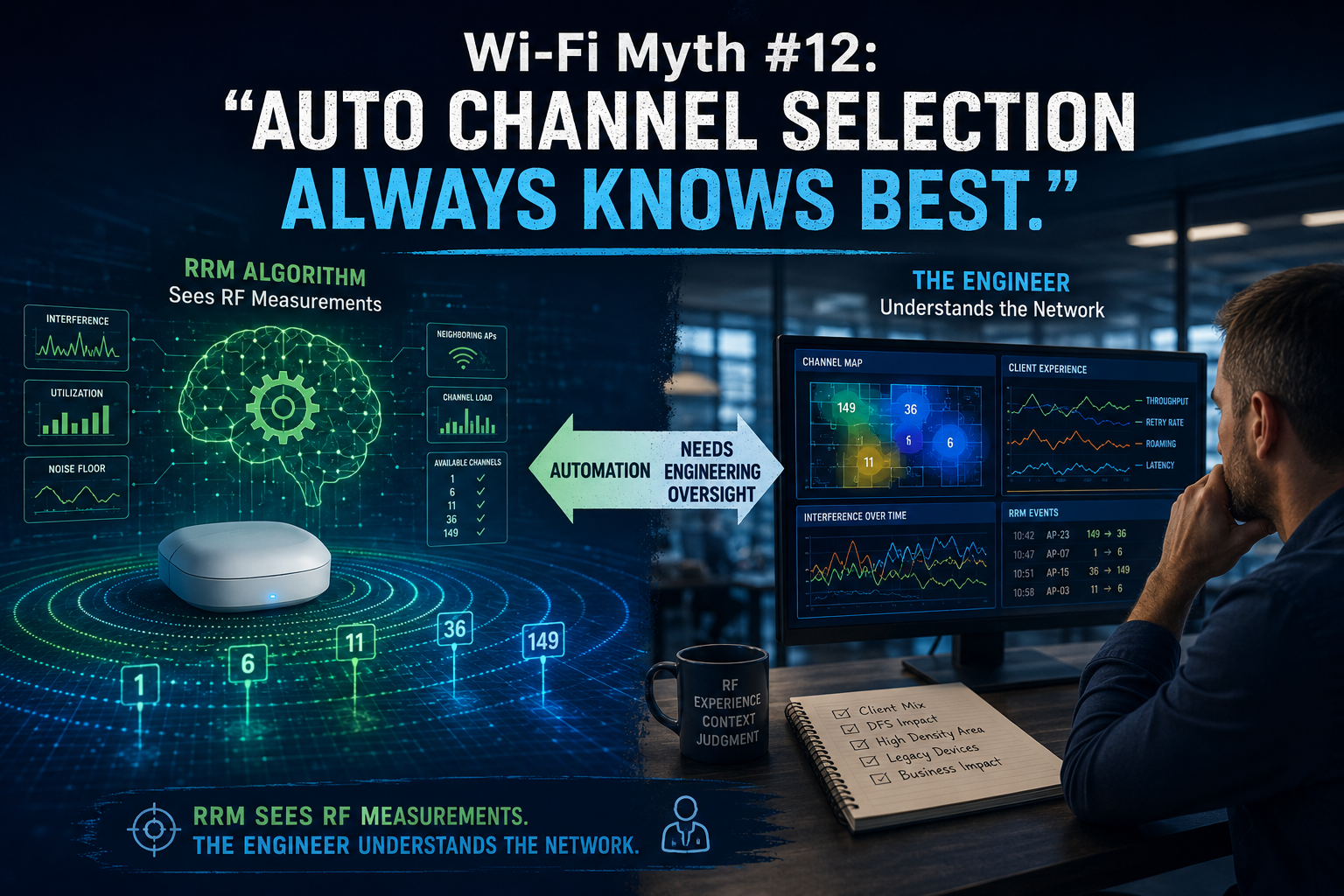
Wi-Fi Myth Series – Myth #1: More Access Points Always Improve Performance
If you've spent any time in wireless networking, you've probably heard a variation of this statement: "The Wi-Fi is slow. Let's add another AP."
It's one of the most common assumptions in enterprise wireless networking. It sounds logical: more APs should mean more Wi-Fi, and more Wi-Fi should mean better performance. Right?
Not always. In fact, there are many situations where adding more APs can actually make a network perform worse.
For certified Wi-Fi engineers, this isn't a surprising revelation. Yet the myth continues to appear in meetings, project discussions, and troubleshooting sessions across countless organizations.
Let's explore why...

The "More is Better" Trap
Humans tend to associate quantity with improvement. If one coffee machine is good, two must be better. If one monitor improves productivity, perhaps three will turn us into productivity superheroes.
Unfortunately, wireless networking doesn't always follow the same logic.
Wi-Fi operates within a limited amount of spectrum. Every AP deployed is sharing that finite resource with neighboring APs and client devices.
Unlike adding additional lanes to an empty highway, adding APs introduces additional radio transmissions into an already busy environment. Sometimes those extra APs help. Sometimes they simply add more traffic to an already crowded conversation.
Coverage and Capacity Are Not the Same Thing
One reason this myth persists is that engineers often use the terms "coverage" and "capacity" interchangeably. They're related, but they are not the same:
Coverage answers the question: Can a client hear the network?
Capacity answers a different question: Can the network effectively serve all the clients and applications that need it?
If a warehouse has dead spots, adding APs may absolutely be the correct solution. If a conference center has excellent signal strength but struggles with thousands of devices competing for airtime, simply adding more APs may not solve the problem at all. In some cases, adding APs may introduce new challenges.
The Hidden Cost of Additional Access Points
Every AP transmits management traffic. Every AP occupies channels. Every AP participates in the shared RF environment.
As density increases, so does the potential for:
• Co-channel interference
• Adjacent-channel interference
• Increased contention
• Excessive roaming opportunities
• Higher management overhead
Engineers sometimes deploy additional APs expecting greater performance, only to discover they have created an environment where radios spend more time waiting than transmitting.
The wireless medium is remarkably polite: before speaking, devices listen.
The problem is that when too many devices and APs are trying to be polite at the same time, progress can become surprisingly slow.

The Power Problem
Adding APs without considering transmit power can create another interesting situation.
Imagine an office where APs are installed every few meters and all are configured with aggressive transmit power settings. Clients can hear multiple APs very clearly. This sounds beneficial until you realize the client now has an abundance of choices, overlapping coverage areas, and increased contention. Instead of creating clarity, the design creates noise.
Experienced Wi-Fi engineers know that successful deployments often involve carefully balancing:
• AP placement
• Channel planning
• Power levels
• Client density
• Application requirements
...not simply increasing AP count.
Wi-Fi Isn't About Maximum Signal
One of the most persistent misconceptions in wireless networking is that the goal is maximum signal strength everywhere.
In reality, the goal is usually: Sufficient signal with optimal performance.
Those are not always the same thing.
A design optimized for voice communications may look very different from a design optimized for IoT sensors. A stadium deployment will differ dramatically from a hospital. A warehouse has different requirements than a university classroom.
Successful Wi-Fi design begins with understanding business and application requirements... not simply increasing signal levels.
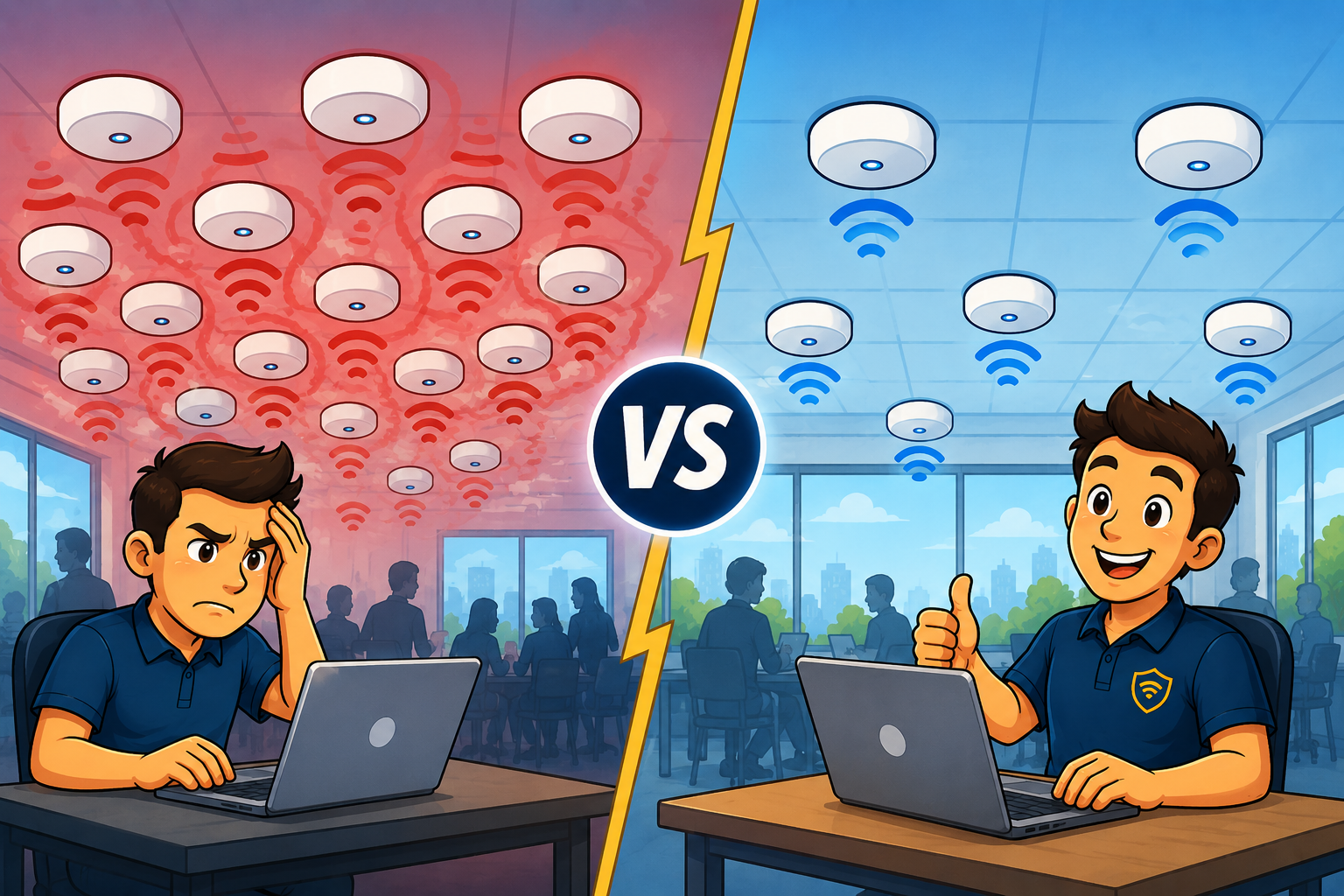
When More Access Points Are the Right Answer
To be fair, additional APs may often be necessary. Higher-density environments frequently require more APs to support increased client counts and application demand. The key difference is intent.
Professional Wi-Fi design doesn't ask: How many APs can we install? It asks: How many APs are required to meet capacity, coverage, roaming, and application requirements? That's a very different conversation. One is driven by quantity. The other is driven by engineering.
The Real Myth
Perhaps the biggest misconception isn't that more APs improve performance. It's the belief that Wi-Fi performance problems can be solved by adding hardware alone. Great wireless networks are rarely the result of having the most equipment. They're usually the result of thoughtful design, careful planning, and a deep understanding of how radio frequency environments behave:
• Sometimes the solution is another AP.
• Sometimes the solution is adjusting power levels.
• Sometimes it's changing channel assignments.
• Sometimes it's simply recognizing that coverage and capacity are solving two entirely different problems.
The next time someone suggests adding another AP to solve a performance issue, the answer may, indeed, be "yes."
But a good Wi-Fi engineer's next question is always: "What problem are we actually trying to solve?"
===
===
Learn More
If you want to learn more about our instructor-led IT training options, visit our training portfolio page here
===
#ITCareers #Certification #Networking #CyberSecurity #CareerDevelopment #ProfessionalDevelopment
===
About NC-Expert
NC-Expert is a privately-held California corporation and is well established within the Wireless, Security, and CyberSecurity industry certification training, courseware development, and consulting markets.
NC-Expert has won numerous private contracts with Fortune level companies around the world. These customers have depended on NC-Expert to train, advise, and mentor their staff.
So remember, if you are looking for the best IT training just call us at (855) 941-2121 or contact us
NC-Expert Blog